
10 Best Contact Management Apps for Professionals in 2026

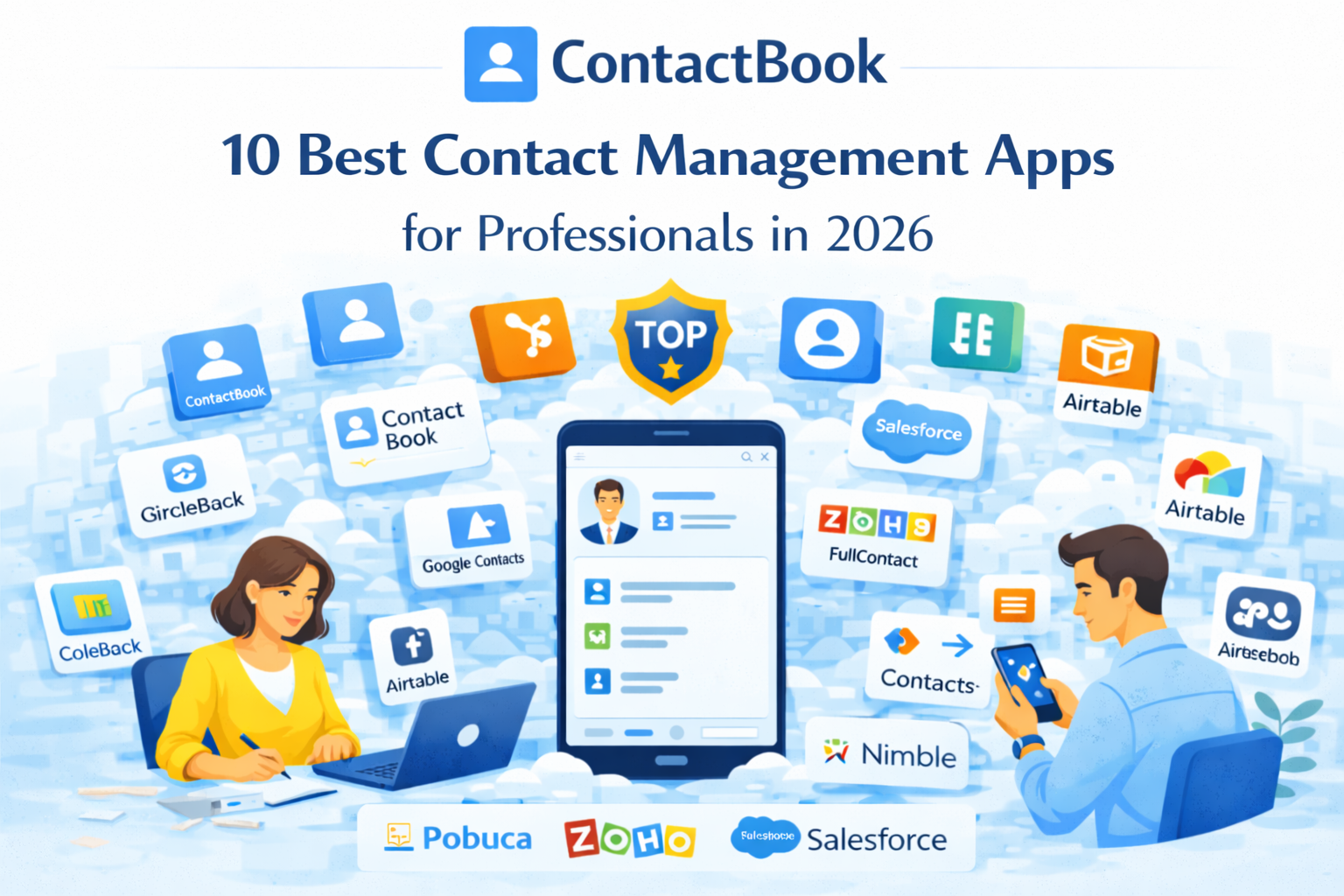
Managing contacts sounds simple until your team hits 500 people and no one knows who owns what. The right contact management app saves you hours, prevents lost deals, and keeps your whole team on the same page.
We tested the top tools available in 2026 and ranked them honestly. Whether you are a solo professional or a growing team, there is something on this list for you.
1. ContactBook – Best overall for teams and professionals
ContactBook is built for professionals who are done with expensive CRMs they barely use. It gives you shared contacts, Google sync, tags, notes, reminders, and a Chrome extension all without the bloat. Teams love it because everyone stays on the same page without needing a dedicated admin.
Why professionals use it:
• Two-way Google Contacts sync keeps everything updated automatically
• Share contact groups with your whole team in seconds
• Chrome extension saves contacts from LinkedIn, Gmail, and any website
• Business card scanner built into the mobile app
• Reminders and notes attached directly to contacts
• Clean, simple interface zero learning curve
Limitations:
• Two-way sync only available on Pro+ plan
• Not a full CRM focused purely on contact management
Best for: Small to mid-size teams, agencies, consultants, recruiters
Pricing: Free plan available. Pro from $7/user/month. Pro+ from $12/user/month.
2. HubSpot CRM – Best for sales teams that need a full pipeline
HubSpot is the gold standard for sales-focused teams. It goes far beyond contacts you get a full pipeline, email tracking, meeting scheduling, and automation. The free tier is surprisingly generous, but costs climb fast once your team scales.
Why professionals use it:
• Free forever plan with solid contact management features
• Built-in email tracking and deal pipeline
• Integrates with almost every tool you already use
• Strong reporting and analytics
Limitations:
• Gets expensive quickly as your team and contacts grow
• Overkill if you only need contact management
• Can feel complex for non-sales teams
Best for: Sales teams, marketing teams, growing startups
Pricing: Free plan. Paid plans start at $20/user/month. Enterprise pricing varies.
3. Google Contacts – Best for individuals already in the Google ecosystem
Google Contacts is free, familiar, and always available. For solo professionals who live in Gmail, it works fine. But the moment you need to share contacts with a team or add custom tags and notes, it starts to fall short fast.
Why professionals use it:
• Completely free and already built into Google Workspace
• Syncs across all your Google devices automatically
• Simple to use with no setup required
Limitations:
• No real team sharing or collaboration features
• Limited customization no tags, custom fields, or notes
• Not built for managing large or growing contact lists
Best for: Individuals and freelancers in the Google ecosystem
Pricing: Free with any Google account.
4. Salesforce – Best for large enterprise teams with complex needs
Salesforce is the most powerful CRM on the planet. If your business has a dedicated sales team, complex workflows, and a budget to match, it delivers. But for most professionals, it is far more than they will ever need — and the price reflects that.
Why professionals use it:
• Incredibly powerful with deep customization
• Best-in-class reporting and automation
• Massive ecosystem of integrations and add-ons
Limitations:
• Expensive starts at $25/user/month and climbs sharply
• Requires significant setup and often a dedicated admin
• Far too complex for small teams or simple contact needs
Best for: Enterprise sales teams and large organizations
Pricing: Starts at $25/user/month. Enterprise plans can exceed $300/user/month.
5. Zoho CRM – Best budget CRM for growing small businesses
Zoho CRM hits a sweet spot between price and features. It covers contacts, deals, automation, and reporting at a fraction of what Salesforce charges. A solid choice for small businesses that need more than basic contact management but are not ready to invest in enterprise tools.
Why professionals use it:
• Very affordable compared to HubSpot and Salesforce
• Good automation features even on lower plans
• Integrates well with the wider Zoho suite of tools
Limitations:
• Interface feels dated compared to newer tools
• Customer support can be slow to respond
• Some features only unlock at higher pricing tiers
Best for: Small businesses and teams looking for an affordable CRM
Pricing: Free plan for up to 3 users. Paid plans start at $14/user/month.
6. Pipedrive – Best for sales professionals who think visually
Pipedrive is built around a visual pipeline that makes managing contacts and deals feel intuitive. It is simpler than Salesforce and more sales-focused than ContactBook. Great for teams where every contact is tied to a deal or opportunity.
Why professionals use it:
• Beautiful visual pipeline easy to see where every deal stands
• Simple and clean interface with fast onboarding
• Strong mobile app for sales reps on the go
Limitations:
• Contact features are deal-centric not great for non-sales use
• Gets expensive at higher tiers
• Limited free plan
Best for: Sales reps and small sales teams with active pipelines
Pricing: Starts at $14/user/month. No free plan.
7. Notion – Best for individuals who want everything in one place
Notion is not a contact manager but plenty of professionals try to use it as one. It is flexible enough to build a custom contact database, but it will not sync with Google Contacts, remind you to follow up, or let your team share contacts easily. It works until it does not.
Why professionals use it:
• Extremely flexible build any contact structure you want
• Great for individuals who want contacts alongside notes and tasks
• Affordable for solo users
Limitations:
• No built-in contact sync or Google integration
• No reminders or follow-up features out of the box
• Breaks down fast when used for team contact sharing
Best for: Solo professionals and freelancers who already use Notion
Pricing: Free plan. Paid plans start at $10/month.
8. Nimble – Best for social-savvy professionals and relationship builders
Nimble connects your contacts with their social profiles, giving you richer context on everyone you know. It pulls in LinkedIn activity, Twitter updates, and email history automatically making it a strong choice for professionals who build relationships across multiple channels.
Why professionals use it:
• Automatically enriches contacts with social media data
• Smart follow-up reminders based on relationship activity
• Works inside Gmail, Outlook, and LinkedIn via browser extension
Limitations:
• More expensive than simpler contact tools
• Social data can feel noisy for teams that do not use social selling
• Interface is not as clean as newer tools
Best for: Sales professionals, coaches, and consultants who rely on social media
Pricing: Starts at $24.90/user/month.
9. Streak – Best for Gmail power users who want a CRM without leaving their inbox
Streak lives entirely inside Gmail. It turns your inbox into a lightweight CRM you can track contacts, manage pipelines, and send mail merges without ever switching tabs. If Gmail is where you spend your day, Streak feels almost invisible.
Why professionals use it:
• Lives inside Gmail no switching between apps
• Great for professionals who manage contacts through email
• Strong mail merge and email tracking features
Limitations:
• Only works inside Gmail — useless if your team uses other tools
• Not built for team-wide contact sharing
• Can slow down Gmail on older machines
Best for: Individual Gmail users and small teams who live in their inbox
Pricing: Free plan. Paid plans start at $15/user/month.
10. Airtable – Best for teams that want a fully custom contact database
Airtable lets you build any contact system imaginable. It is part spreadsheet, part database, and part CRM. Teams love the flexibility but that flexibility comes with a steep setup cost and no out-of-the-box contact features like sync, reminders, or Chrome extensions.
Why professionals use it:
• Highly customizable build your exact contact structure
• Great for teams that already have a unique contact workflow
• Strong integrations with other tools via Zapier and Make
Limitations:
• No native contact sync with Google Contacts
• Takes significant time to set up and maintain
• No reminders or follow-up features built in
Best for: Operations and marketing teams with specific contact data needs
Pricing: Free plan. Paid plans start at $20/user/month.
Quick Comparison: Which App Is Right for You?
Here is a simple way to think about it:
• You need shared contacts for your whole team — use ContactBook
• You have an active sales pipeline and need deal tracking — use HubSpot or Pipedrive
• You are a solo professional already in Google — start with Google Contacts
• You need enterprise-level power and have the budget — use Salesforce or Zoho
• You live in Gmail and want your CRM there too — use Streak
• You want to build something completely custom — use Airtable or Notion
Why ContactBook Stands Out in 2026
Most contact management tools either do too little (Google Contacts) or way too much (Salesforce). ContactBook sits in the middle purpose-built for professionals who need clean, shared, synced contacts without paying CRM prices.
In 2026, the biggest shift is that teams are moving away from bloated CRMs and back toward focused tools that do one thing really well. ContactBook is built exactly for that moment.
• No setup headaches connect your Google account and go
• Your whole team stays in sync automatically
• Works inside Gmail, LinkedIn, and anywhere you find contacts
• Priced for real teams not enterprise budgets
Final Thoughts
A great contact management app is not the one with the most features. It is the one your team actually uses every day.
Before you pick a tool, ask yourself three things: Do I need to share contacts with my team? Do I need it to sync with Google? And do I need deal tracking or just clean contact management?
If your answer to the first two is yes and the third is no. ContactBook is almost certainly the right choice. Start free, invite your team, and see how much time you get back in the first week.

.png)


.svg)


.svg)



