
7 Best Google Contacts Alternatives for Teams in 2026

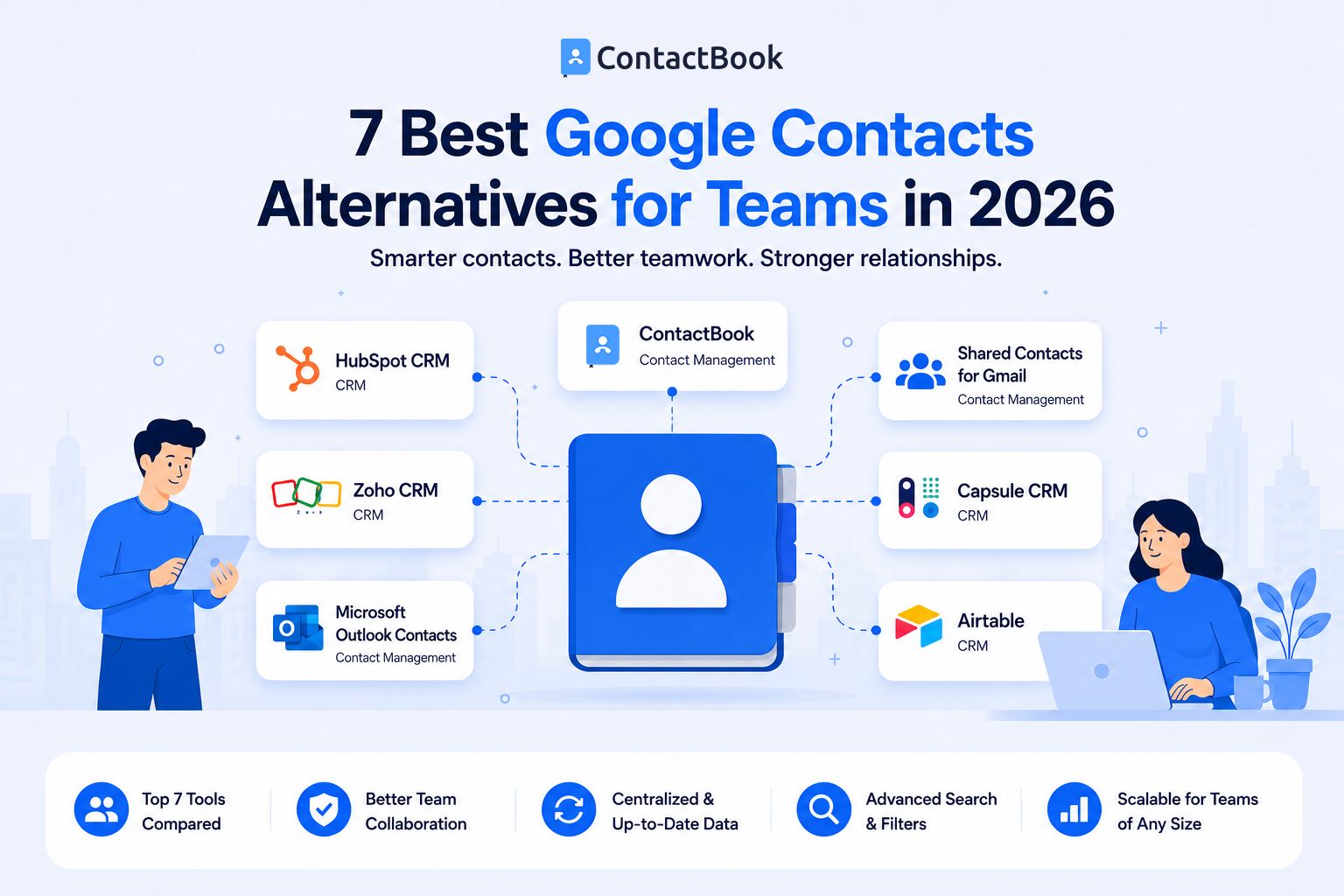
Google Contacts is a convenient tool for managing personal contacts, and it's included with every Google account. For individuals, it's simple, reliable, and easy to use. However, as businesses grow and more employees need access to the same contact information, many teams discover that Google Contacts has limitations.
Sales teams, customer support, HR departments, marketing agencies, healthcare organizations, and small businesses often need shared contact lists, centralized contact management, permission controls, and better collaboration features. These are areas where dedicated contact management tools offer significant advantages.
If your team has outgrown Google Contacts, this guide compares the best Google Contacts alternatives for teams in 2026 to help you choose the right solution.
Why Teams Look Beyond Google Contacts
Google Contacts is designed primarily as a personal address book. While Google Workspace offers some collaboration features through its directory, many businesses need more control over how contacts are shared and managed.
As organizations expand, managing contacts across multiple employees becomes increasingly difficult without a dedicated system.
Common Limitations of Google Contacts
Businesses often encounter challenges such as limited shared contact management, manual updates, duplicate records, inconsistent contact information, and difficulty organizing customer, vendor, and partner contacts across departments.
These limitations can slow collaboration and reduce productivity.
What to Look for in an Alternative
When evaluating a Google Contacts alternative, consider features such as shared contact lists, centralized contact storage, user permissions, contact organization, search functionality, mobile access, integrations, and ease of use.
Choosing software that supports both your current and future needs helps avoid another migration later.
1. ContactBook
ContactBook is a dedicated business contact management platform built for teams that need shared contacts without the complexity of a CRM. It centralizes company contacts into a single shared database, making it easy for employees to access accurate customer, vendor, partner, and internal contact information from anywhere.
Key Features
- Shared contact lists across the organization
- Centralized contact database
- Custom groups, labels, and categories
- Role-based user permissions
- Contact import/export from Google Contacts, Outlook, and CSV
- Google Workspace integration
- Mobile apps for iOS and Android
- Duplicate contact management
- Company directory for employees
- Real-time updates across the team
Best for: Businesses that primarily need centralized, shared contact management rather than full customer relationship management.
2. HubSpot CRM
HubSpot CRM combines contact management with sales, marketing, customer service, and automation tools. Every contact record stores communication history, emails, meetings, website activity, notes, and tasks, giving teams a complete view of customer interactions. It also integrates with hundreds of business applications.
Key Features
- Contact timeline with communication history
- Automatic contact creation from emails and forms
- Company insights and contact enrichment
- Email tracking and meeting scheduling
- Sales pipeline management
- Workflow automation
- Marketing automation
- Reporting dashboards
- Gmail and Outlook integrations
- 1,000+ third-party integrations
Best for: Growing businesses that want contact management alongside sales and marketing tools.
3. Zoho CRM
Zoho CRM is a highly customizable CRM platform that includes contact management, lead tracking, workflow automation, AI-powered insights, and multichannel communication. It integrates seamlessly with the broader Zoho ecosystem, making it attractive for businesses already using Zoho applications.
Key Features
- Contact and account management
- Lead and deal tracking
- Workflow automation
- Custom modules and fields
- Email marketing integration
- AI assistant (Zia)
- Mobile applications
- Analytics and reporting
- Role-based permissions
- Extensive API and integrations
Best for: Businesses looking for an affordable CRM that can grow with their operations.
4. Microsoft Outlook Contacts
Microsoft Outlook Contacts is Microsoft's built-in contact manager within Microsoft 365. It works seamlessly with Outlook Mail, Exchange, Microsoft Teams, and the Microsoft ecosystem, making it a convenient choice for organizations already using Microsoft productivity tools. However, advanced shared contact management often requires additional configuration or third-party solutions.
Key Features
- Native Microsoft 365 integration
- Contact synchronization across devices
- Exchange support
- Email and calendar integration
- Contact groups
- Mobile synchronization
- Company directory integration
- Microsoft Teams compatibility
Best for: Organizations already standardized on Microsoft 365.
5. Shared Contacts for Gmail
Shared Contacts for Gmail extends Google Workspace by allowing organizations to create and manage shared contact lists that are accessible across Gmail users. It helps teams maintain centralized business contacts while continuing to work inside the Google ecosystem.
Key Features
- Shared Google contact lists
- Google Workspace integration
- Shared labels and groups
- Automatic synchronization
- Permission management
- Mobile compatibility
- Directory sharing
- Contact synchronization with Gmail
Best for: Companies committed to Google Workspace that need shared contacts without switching ecosystems.
6. Capsule CRM
Capsule CRM combines lightweight CRM functionality with intuitive contact management. It focuses on helping small businesses organize customer relationships, manage sales opportunities, track communications, and collaborate without the complexity of enterprise CRM platforms. It also offers Outlook integration for managing contacts and emails directly from the inbox.
Key Features
- Contact management
- Sales pipeline tracking
- Task management
- Email tracking
- Custom fields
- Contact history
- Mobile applications
- Outlook and Google Workspace integrations
- Project management
- Reporting
Best for: Small businesses wanting simple CRM capabilities with strong contact organization.
7. Airtable
Airtable is a flexible cloud database platform that many businesses adapt for contact management. Instead of offering predefined contact management workflows, Airtable allows teams to build custom databases, automate processes, and create tailored views for managing customers, vendors, employees, or partners.
Key Features
- Custom relational databases
- Multiple views (Grid, Kanban, Calendar, Gallery)
- Linked records
- Automation workflows
- Forms
- Collaboration tools
- API integrations
- Custom fields
- Permission controls
- Interface Designer dashboards
Best for: Teams needing customizable databases beyond traditional contact management.
How to Choose the Right Google Contacts Alternative
Not every business needs the same type of contact management software.
Why ContactBook Stands Out
Among the available Google Contacts alternatives, ContactBook focuses specifically on helping teams organize, share, and manage business contacts without the complexity of a full CRM.
Businesses can create shared contact lists, organize contacts using custom groups and tags, manage user permissions, and ensure employees always have access to accurate contact information from one centralized platform.
For organizations that simply want better contact management—not an entire sales platform—ContactBook offers a practical, easy-to-use solution that improves collaboration and business continuity.
Common Mistakes
One common mistake is choosing software based only on price. A lower-cost solution may lack the collaboration features growing teams need.
Another mistake is selecting a full CRM when the business only needs shared contact management. Extra features often increase complexity without solving the actual problem.
Businesses should also avoid waiting until contact information becomes scattered across multiple spreadsheets and personal devices. Moving to centralized contact management early makes future growth much easier.
Frequently Asked Questions
Why do teams need an alternative to Google Contacts?
As businesses grow, they often need shared contact lists, centralized management, better organization, and collaboration features that extend beyond Google Contacts' personal address book functionality.
What is the best Google Contacts alternative for businesses?
The best option depends on your needs. ContactBook is ideal for shared contact management, while CRM platforms like HubSpot and Zoho are better suited for businesses that also require sales pipeline and customer relationship features.
Is Google Contacts enough for team collaboration?
Google Contacts works well for personal use, but growing teams often require dedicated contact management software to support shared contact lists, permission controls, centralized updates, and better collaboration.
Final Thoughts
Google Contacts remains an excellent solution for managing personal contacts, but many businesses eventually outgrow its capabilities. As teams expand and collaboration becomes more important, centralized contact management offers significant advantages over individual address books.
Whether you need shared contact lists, improved organization, or better business continuity, choosing the right contact management platform can save time and improve communication across your organization.
For businesses looking for a purpose-built solution, ContactBook provides an efficient way to organize, manage, and share business contacts from one centralized platform. It helps teams stay connected, reduce duplicate records, and collaborate more effectively—making it one of the strongest Google Contacts alternatives for teams in 2026.

.png)


.svg)


.svg)



