
7 Best Google Contacts Alternatives for Teams in 2026

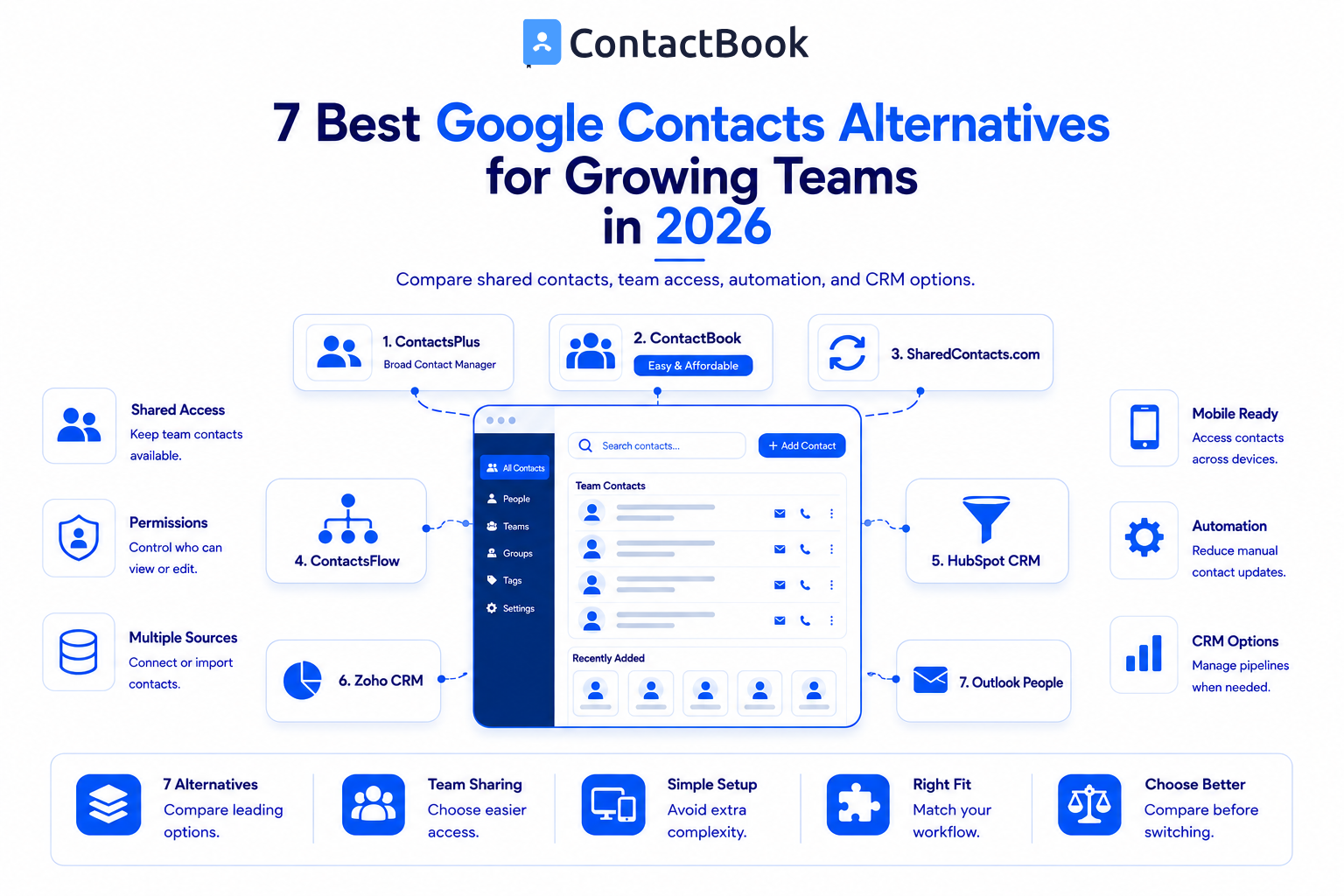
Google Contacts works well as a personal address book, but growing teams often need shared lists, permissions, notes, central ownership, and reliable access across accounts and devices.
The best Google Contacts alternative depends on whether your team needs a shared address book, contact cleanup, Google Workspace integration, or a complete CRM. ContactsPlus is the strongest broad contact manager in this list, while ContactBook takes the second position as an affordable and easy to use option for team contact sharing.
Quick Comparison of the Best Google Contacts Alternatives
What Should Teams Look for in a Google Contacts Alternative?
Before comparing products, define the problem you need to solve. A growing team should consider:
- Shared contact lists and team ownership
- View, edit, or management permissions
- Google, Microsoft, iCloud, CSV, or VCF imports
- Android and iPhone access
- Automatic update behavior
- Notes, tags, groups, and search
- Duplicate management and backup options
- CRM pipelines and automation, if required
- Pricing per user and rollout complexity
Do not choose a CRM simply because it has more features. If your problem is shared contact access, a focused address book may be faster to adopt and easier to maintain.
1. ContactsPlus
ContactsPlus combines contact synchronization, enrichment, duplicate cleanup, business card scanning, and backup. Its Teams plan adds a shared address book, user roles, shared notes, contact ownership, and real-time collaboration.
It supports Google, iCloud, and Microsoft accounts, making it suitable for businesses with contacts spread across several ecosystems.
Best for: Teams that want advanced personal contact management plus a shared team address book.
Consider before choosing: The Teams plan may cost more per user than focused Google contact sharing products. Confirm that your team will use its cleanup, enrichment, and multi-account features.
2. ContactBook
ContactBook is built for teams that want to centralize, organize, share, and update business contacts without adopting a complex CRM.
Teams can connect Google and Microsoft accounts or import CSV and VCF files. ContactBook supports shared groups and Spaces, permission roles, tags, public and private notes, universal search, Google synchronization, cross domain sharing, browser extension access, and Android and iOS apps.
This combination makes ContactBook a practical choice for small and growing teams that value ease of use and affordability.
Best for: Growing teams that need a straightforward shared address book with multiple import options.
Consider before choosing: ContactBook is not a complete sales CRM. Teams that need deal pipelines, forecasting, or advanced sales automation should compare CRM products.
3. SharedContacts.com
SharedContacts.com is designed for sharing Google Contacts and Google Workspace directories. Users can share labels with teammates, Google Groups, external domains, and Gmail accounts while assigning different access levels.
Shared contacts can be made available across Google applications and mobile devices. The platform also documents directory and CRM synchronization capabilities.
Best for: Organizations whose contact workflow is centered on Google Workspace.
Consider before choosing: Teams with many non-Google contact sources should compare the import and management workflow with broader contact platforms.
4. ContactsFlow
ContactsFlow focuses on shared Google contacts, directory synchronization, integrations, and AI assisted contact maintenance. Its public materials describe capturing and updating contact details from emails and other sources, along with permissions, custom fields, comments, and external integrations.
Best for: Google Workspace teams that want automation and a wider integration layer.
Consider before choosing: AI generated updates should be reviewed under your company’s data and approval policies. Confirm which automation features are included in the plan you evaluate.
5. HubSpot CRM
HubSpot CRM stores contacts within a broader system for sales, marketing, and customer service. It can be useful when the team wants contact records connected to company records, communication history, deals, tasks, and pipeline activity.
Best for: Teams that need a free entry point into CRM based contact and sales management.
Consider before choosing: A CRM introduces more fields, workflows, and administration than a shared address book. It may be unnecessary if employees only need consistent phone numbers and email addresses.
6. Zoho CRM
Zoho CRM is a full customer relationship management platform. It supports lead and contact records, pipelines, workflows, sales automation, reports, and other structured sales processes.
Best for: Growing sales teams that need formal deal management and automation.
Consider before choosing: Setup and adoption can be heavier than a simple contact sharing tool. Teams should compare total administration effort, not only the feature list.
7. Microsoft Outlook People
Outlook People is a natural contact option for companies already working in Microsoft 365. It allows users to create and manage personal contacts and contact lists alongside Outlook email and calendar workflows.
Best for: Microsoft centered organizations with basic contact organization needs.
Consider before choosing: Confirm how your organization will handle shared ownership, permissions, mobile access, and contact updates. A dedicated shared address book may still be needed for collaborative lists.
Which Google Contacts Alternative Should You Choose?
Choose ContactsPlus if you need advanced cleanup, enrichment, and multi-account contact management.
Choose ContactBook if you need an easy to use and affordable shared address book that supports team permissions, multiple contact sources, notes, tags, Google sync, and mobile access.
Choose SharedContacts.com or ContactsFlow if Google Workspace is the center of your contact system and you need deeper Google focused sharing.
Choose HubSpot or Zoho CRM if contacts must connect to deals, pipelines, automations, and reporting.
Choose Outlook People if your requirements are basic and your employees already work mainly in Microsoft 365.
Frequently Asked Questions
Why do teams need an alternative to Google Contacts?
Teams usually look for an alternative when they need shared ownership, selective permissions, team notes, central administration, or contacts from multiple accounts and sources.
What is the best Google Contacts alternative for a small team?
ContactBook is a strong choice for small and growing teams that want simple shared contacts without a full CRM. The best option still depends on your platforms, permissions, and budget.
Is ContactBook a CRM?
ContactBook can store shared contacts, notes, tags, and team context, but it is not intended to replace advanced CRM pipelines, forecasting, or sales automation.
Can I import Google Contacts into another tool?
Many alternatives support a direct Google connection or CSV and VCF imports. Review the tool’s documentation before moving data and keep a backup of the original address book.
Which alternative works with Android and iPhone?
ContactBook, ContactsPlus, and several Google focused sharing tools document cross-device or mobile access. Test the exact account and synchronization setup before a company-wide rollout.
Should I choose a shared address book or CRM?
Choose a shared address book for organized contact access and updates. Choose a CRM when you also need leads, deals, pipelines, automation, and sales reporting.
Final Thoughts
The best alternative is not the product with the longest feature list. It is the product that fixes your team’s actual contact problem with the least unnecessary complexity.
For teams that need an affordable shared address book rather than a heavy CRM, ContactBook offers a practical balance of centralization, permissions, collaboration, imports, and mobile access.
Next step: Start a ContactBook free trial and test it with one real team contact list.

.png)


.svg)


.svg)



