
Contact Database Governance: Who Should Be Allowed to View, Edit, or Delete Contacts?

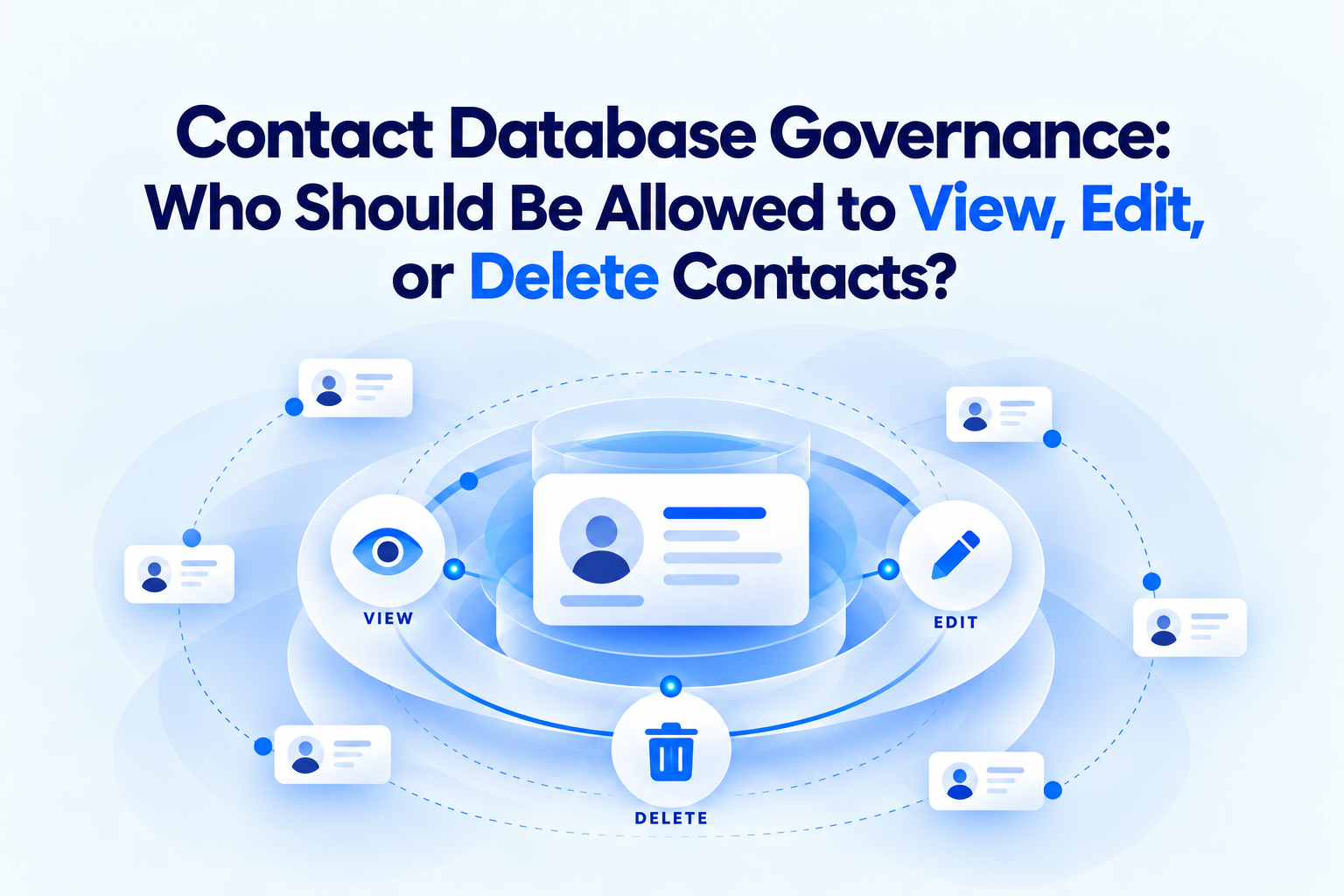
Quick answer: Contact database governance assigns access according to responsibility. Employees who need a contact may receive view access. Verified maintainers receive editing access. Group owners approve sharing and membership. A limited number of administrators manage permissions and deletion. Every important contact category should also have an accountable business owner and a review schedule.
A contact database can be technically centralized and still be operationally unmanaged.
If everyone can edit everything, trusted fields change without explanation. If only one administrator can make updates, records become stale. If deletion rights are broad, a user can remove information needed by several departments. If access is never reviewed, former employees and completed projects remain connected.
Governance creates rules for these decisions before a problem occurs.
What is contact database governance?
Contact database governance is the set of roles, permissions, standards, and review processes used to manage business contacts throughout their lifecycle.
It answers questions such as:
- Who may add a business contact?
- Who may see each group?
- Who verifies or edits key fields?
- Who may share contacts with another user?
- Who may delete or archive a record?
- What happens when an employee changes roles?
- How often are access and accuracy reviewed?
Governance is broader than software permissions. Permissions enforce parts of the policy, while governance defines why those permissions exist.
Why unrestricted access causes problems
Organizations often begin with open access because it feels collaborative. Problems appear as the contact database grows.
- Employees overwrite verified phone numbers.
- Private context is placed in shared notes.
- Duplicate records are created instead of updating existing ones.
- Contacts are deleted without notifying relationship owners.
- Contractors retain access after projects end.
- Nobody knows who is responsible for stale records.
The alternative is not to lock everything down. It is to match access with responsibility.
Five practical contact-management roles
One person may hold several roles in a smaller organization, but the responsibilities should still be defined.
1. Platform administrator
The administrator manages the technical environment, Spaces, user invitations, permission structures, and account configuration.
Administrators should not automatically decide whether a supplier, customer, or partner record is correct. Their responsibility is platform control, not ownership of every relationship.
2. Contact data steward
The steward maintains standards across the contact system. Responsibilities may include:
- Required fields
- Naming conventions
- Approved tags
- Import procedures
- Duplicate-review rules
- Verification schedules
- Quality reporting
The steward coordinates consistency without owning every relationship.
3. Group owner
A group owner decides which records and users belong in a specific contact group. For example, procurement may own Approved Suppliers, while facilities owns Emergency Contractors.
The owner approves membership, reviews access, and confirms that the group still serves its purpose.
4. Contact editor
Editors maintain records they understand. They may update phone numbers, work emails, roles, status, and appropriate shared notes.
Editing rights should follow operational responsibility. A regional employee may edit regional suppliers without receiving the ability to change every customer contact.
5. Contact viewer
Viewers use approved contact information but cannot change the shared record. This is appropriate for many employees, temporary users, and external collaborators.
Who should be able to view contacts?
View access should be based on legitimate work needs.
Ask:
- Does the employee need this contact category to perform their role?
- Is every field appropriate for that audience?
- Does the group contain personal or restricted information?
- Will access expire after a project?
- Can a narrower group meet the same need?
Avoid granting full-directory access merely because configuring it is easier. Separate contacts by function, account, location, or project when access needs differ.
Who should be able to edit contacts?
Editing should belong to the people closest to verification.
Examples:
- Account managers maintain active customer stakeholders.
- Procurement maintains approved supplier contacts.
- Recruiting maintains agency and candidate-source contacts where policy permits.
- Operations maintains facilities and service providers.
- Partnership managers maintain referral and channel relationships.
Editors need documented standards. Without them, several authorized users can still create inconsistent names, tags, notes, and statuses.
Require editors to:
- Search before creating a new record
- Verify important changes
- Use approved field formats
- Keep shared notes factual and relevant
- Avoid placing sensitive information in general notes
- Update the verification date where applicable
Who should be able to delete contacts?
Deletion has a larger impact than ordinary editing. Restrict it to group owners, designated stewards, or administrators following an approved process.
Before deletion, determine whether the record should be:
- Corrected
- Merged with a duplicate
- Removed from one group
- Archived or marked inactive
- Transferred to another owner
- Deleted completely
A former employee's supplier contact may still be valuable to the organization. Removing the employee's access does not mean deleting the business relationship.
ContactBook's Google Sync page states that owners can control who may view, edit, or delete contacts. Use those controls to implement a documented decision process.
Who should be allowed to share contacts?
Sharing can expand the audience beyond the original group. Limit sharing authority to the contact or group owner where possible.
Before sharing, check:
- Recipient identity
- Business purpose
- Internal or external status
- Required duration
- View or editing need
- Notes and attachments included in the record
- Contractual or policy restrictions
For external collaborators, create a dedicated group instead of sharing a broad internal directory.
Build governance around contact categories
Different contact categories carry different risks.
Customers and prospects
Limit access to relevant revenue, delivery, support, and leadership roles. Separate early-stage leads from active customer contacts when the workflows differ.
Suppliers and contractors
Procurement may own approved vendors, while operating departments maintain day-to-day contacts. Keep prospective and approved vendors separate.
Emergency contacts
Make essential records available to the required employees, but review personal phone numbers and availability instructions carefully.
Partners and referrals
Assign a relationship owner and avoid broad editing that can remove useful context.
Temporary project contacts
Add an end date for group access and decide whether the records will be retained, transferred, or removed after the project.
Define a contact lifecycle
Governance should cover the record from creation to removal.
Create
Confirm business purpose, search for an existing record, and add required fields.
Classify
Assign the appropriate Group, Space, tags, status, and owner.
Share
Give access only to the people who need the contact.
Maintain
Update verified information and appropriate working context.
Review
Check accuracy, ownership, membership, and access on a defined schedule.
Transfer
Reassign responsibility when employees or departments change.
Archive or delete
Apply retention and removal rules rather than leaving obsolete records active forever.
A simple permission model
Use this as a starting point, not a universal rule. Your legal, privacy, security, and operating requirements may require stricter controls.
How ContactBook supports governance
ContactBook provides shared Groups, multiple Spaces, tags, permission management, public and private notes, notifications, and plan-dependent activity history. Its Google Sync page documents view, edit, and delete controls. It also supports cross-account and cross-domain sharing.
These capabilities can reflect an organizational governance model:
- Spaces separate major working environments.
- Groups limit contact collections to a purpose.
- Tags support consistent classification.
- Permissions control user actions.
- Private notes keep personal working context separate.
- Notifications and activity history support oversight.
Review ContactBook Features, Google Sync, and Pricing before implementation because some capabilities and limits vary by plan.
Review access regularly
Access should be reviewed when:
- An employee joins
- A role or department changes
- A project starts or ends
- A contractor's engagement changes
- A customer account changes ownership
- A team is reorganized
- An employee leaves
- A group contains more users or contacts than expected
Also run a scheduled review at an interval appropriate to the organization's risk and rate of change.
The review should confirm both access and purpose. A user may still work at the company but no longer need a particular contact group.
Contact database governance checklist
- Assign a platform administrator.
- Assign data stewards and group owners.
- Define viewer, editor, sharing, and deletion rights.
- Create contact-category standards.
- Document required fields and approved tags.
- Search for duplicates before adding records.
- Separate public and private notes.
- Review external access and expiry dates.
- Define employee transfer and offboarding steps.
- Establish archive and deletion rules.
- Review access and accuracy periodically.
- Test permissions with non-administrator accounts.
Common governance mistakes
Making every user an administrator
This removes meaningful separation of responsibility.
Treating access removal as ownership transfer
Removing a departing employee does not assign someone else to maintain their contacts.
Letting software defaults define policy
Permissions should reflect business decisions, not whichever option was easiest during setup.
Ignoring notes and attachments
A contact may be safe to share while its attached context is not.
Deleting instead of archiving or transferring
Understand the relationship before removing the record.
Frequently asked questions
What is contact database governance?
It is the system of ownership, permissions, data standards, lifecycle rules, and reviews used to keep business contacts accurate, appropriately shared, and accountable.
Should every employee be able to edit shared contacts?
No. Employees who need information can receive view access. Editing should be limited to people responsible for verifying and maintaining the records.
Who should delete a business contact?
Deletion should normally be restricted to an authorized group owner, data steward, or administrator following the organization's retention and approval policy.
Does ContactBook support contact permissions?
Yes. ContactBook documents permission management and controls for viewing, editing, and deleting shared contacts.
How often should contact access be reviewed?
Review access after joiner, mover, leaver, and project events, plus a regular schedule based on organizational risk and change frequency.
Are private notes shared with other users?
ContactBook states that private notes are visible only to their creator. Public notes are intended for collaboration, so users should choose the correct note type.
Final takeaway
Good contact governance does not block collaboration. It makes collaboration dependable.
Give people the access they need, reserve editing and deletion for accountable roles, define who owns every important group, and review permissions when work changes. ContactBook can enforce these boundaries through Groups, Spaces, and permission controls, while the organization supplies the policy behind them.

.png)


.svg)


.svg)



