
ContactBook vs Kaspr: Which LinkedIn Contact Finder Is Better in 2026?

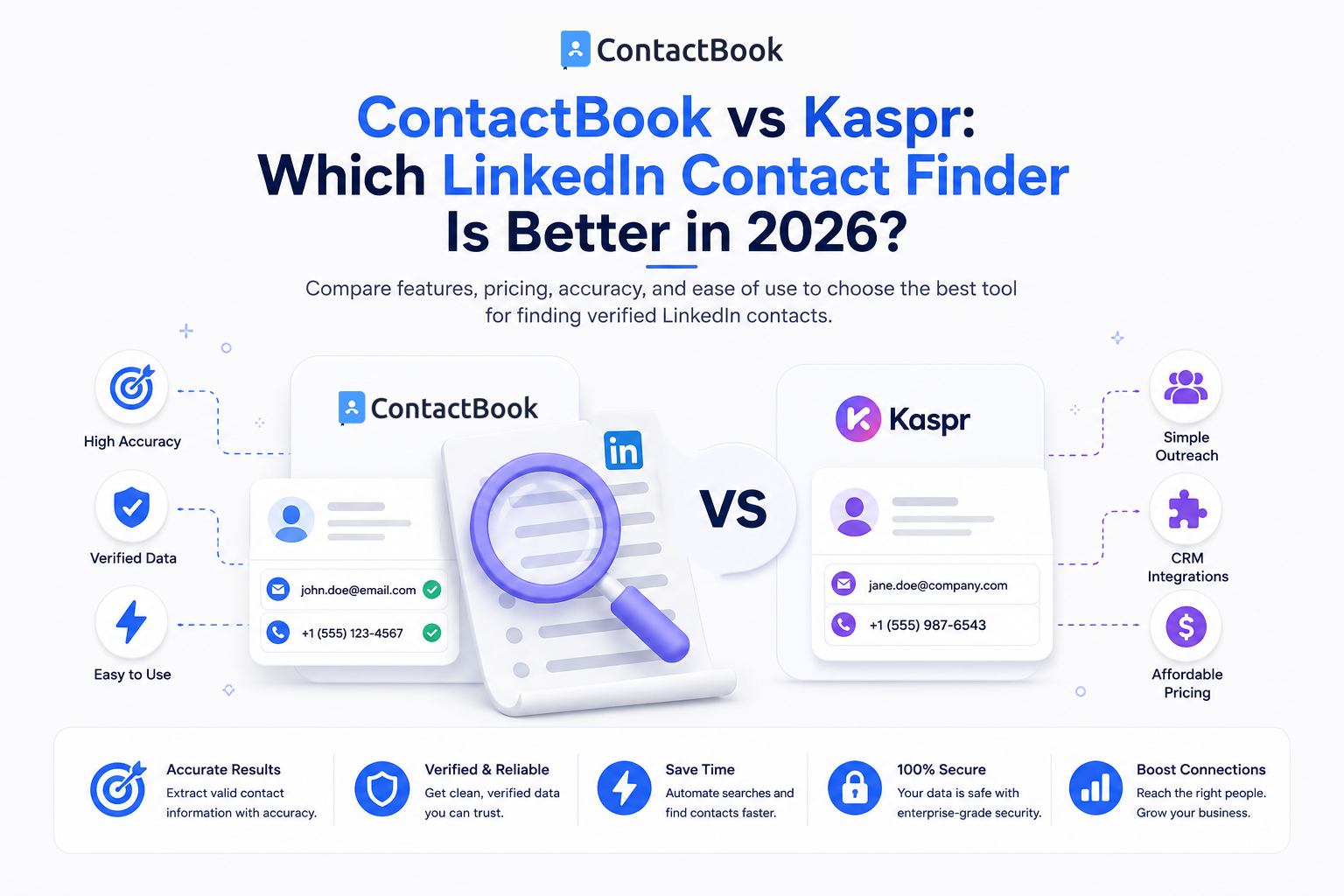
Finding valuable people on LinkedIn is only the first part of professional networking.
The next challenge is deciding what you actually want to do with those connections.
Do you need to find phone numbers and email addresses that are not already visible to you?
Or do you need a better way to capture, organize, share, and follow up with the professional contacts you already discover?
That distinction is important when comparing ContactBook vs Kaspr.
Both can be part of a LinkedIn prospecting workflow, but they solve different problems.
Kaspr is primarily a B2B prospecting and contact-enrichment platform. Its LinkedIn Chrome extension is designed to reveal available phone numbers and email addresses from Kaspr's data while users research prospects on LinkedIn.
ContactBook is primarily a contact-management and sharing platform. Its Chrome extension helps users capture available contact details while browsing and save them directly into ContactBook, where contacts can then be organized, shared, tagged, documented, and followed up.
So which one should you use?
The answer depends on what happens in your workflow before and after you find a LinkedIn prospect.
ContactBook vs Kaspr: Quick Comparison
The biggest takeaway is simple:
Kaspr helps you discover more contact data.
ContactBook helps you manage the contacts and relationships you want to keep.
What Is ContactBook?
ContactBook is a contact-management platform built to centralize professional contacts and make them accessible to the right people within a team.
Its current platform supports contact organization, groups, tags, notes, reminders, permissions, contact sharing, and synchronization workflows. ContactBook also offers web and mobile access and integrations with Google-related workflows.
For LinkedIn users, the ContactBook Chrome Extension can capture contact information from the browser and save that information directly into a ContactBook workspace.
The idea is not simply:
Find person → Get number
It is:
Find person → Save contact → Add context → Organize → Share → Follow up
That makes ContactBook particularly relevant for businesses where relationships need to remain useful beyond one sales campaign.
What Is Kaspr?
Kaspr is a B2B prospecting platform designed around contact discovery and enrichment.
Its Chrome extension integrates with LinkedIn and can reveal available B2B phone numbers and email addresses from Kaspr's data. Kaspr also provides lead lists, enrichment workflows, CRM integrations, CSV enrichment, and additional prospecting functionality.
Kaspr therefore solves a different question:
“I found this person on LinkedIn. Can I find additional business contact information for them?”
Its paid plans also extend the workflow into LinkedIn Sales Navigator, Recruiter Lite on higher plans, bulk enrichment, CRM exports, and prospecting automation.
ContactBook vs Kaspr: The Main Difference
The easiest way to understand the difference is to look at where each product sits in the prospecting journey.
Kaspr
LinkedIn prospect
↓
Reveal/enrich phone or email
↓
Add prospect to lead workflow
↓
Export to CRM or sales tool
ContactBook
Professional contact discovered
↓
Capture available information
↓
Save centrally
↓
Add notes and tags
↓
Share with team
↓
Set reminders
↓
Maintain relationship
Kaspr is more focused on contact acquisition and enrichment.
ContactBook is more focused on contact ownership and relationship management.
Neither approach is automatically better.
They address different business needs.
1. LinkedIn Phone Number and Email Discovery
Winner: Kaspr
If your primary goal is:
“Find a phone number or email address for this LinkedIn prospect.”
Kaspr is the stronger product.
Its LinkedIn extension is specifically designed to reveal phone numbers and email addresses from Kaspr's B2B data. Users can view a prospect on LinkedIn, open the extension, and spend the applicable credits to reveal available contact information.
Kaspr's current free plan includes phone and direct-email credits, while paid plans provide significantly larger contact-data allowances.
Where ContactBook Differs
ContactBook's LinkedIn workflow focuses on capturing contact information available during the user's browsing process.
Its own LinkedIn guide explains that users can save profile information and, when a person has made their email address or phone number available in LinkedIn's Contact Info section, save those details into ContactBook.
Therefore:
For discovering additional B2B contact data → Kaspr
For capturing and maintaining contacts → ContactBook
2. Contact Management
Winner: ContactBook
This is where ContactBook's core purpose becomes much clearer.
ContactBook is designed around maintaining a centralized contact database.
Users can organize contacts, add notes and tags, manage groups and permissions, share contacts, and keep important relationship information accessible to other team members.
Imagine you find a prospect named Sarah through LinkedIn.
Finding her number solves today's problem.
Six months later, your team may need to know:
- Who Sarah is
- Why she was added
- Who knows her
- What you discussed
- Which group she belongs to
- Whether anyone followed up
- Who else on your team should have access
That is the problem ContactBook is designed to solve.
Kaspr does include lead management, lists, tags, tasks, notes, and activity-related capabilities, so it is not simply a lookup tool. However, those features exist primarily within Kaspr's prospecting and enrichment ecosystem.
3. LinkedIn Sales Navigator
Winner: Kaspr
Sales teams heavily using LinkedIn Sales Navigator will find Kaspr more purpose-built for this workflow.
Kaspr's current Starter plan and above support using the extension with Sales Navigator, and the platform provides enrichment workflows designed around LinkedIn prospecting.
This makes Kaspr useful for a workflow such as:
Sales Navigator search
→ Identify prospects
→ Use Kaspr to enrich contacts
→ Export leads
→ Continue sales outreach
ContactBook is not positioned primarily as a Sales Navigator enrichment platform.
If Sales Navigator prospect extraction and enrichment are central requirements, Kaspr has the stronger fit.
4. Shared Contacts Across a Team
Winner: ContactBook
A sales database and a company-wide contact database are not always the same thing.
ContactBook is designed to help teams centralize and share useful contacts with appropriate access and permissions. Its platform supports groups, team sharing, permissions, and contact organization across workspaces.
This becomes valuable when contacts need to be useful beyond one salesperson.
For example:
Sales team: Prospects and customers
Management: Investors and partners
Recruitment: Candidates and agencies
Marketing: Influencers and event contacts
Operations: Vendors and service providers
A business may want all these relationships centralized without treating every person as a sales lead.
That broader shared-contact use case is where ContactBook has an advantage.
5. Notes, Context, and Follow-Ups
Winner: ContactBook for relationship management
ContactBook places significant emphasis on adding context and reminders to saved contacts.
Its extension page specifically highlights remembering how you connected with someone and setting reminders for meetings, deadlines, and future follow-ups.
For example:
Name: John Miller
Company: Example Inc.
Source: LinkedIn
Tag: Potential Partner
Note: Met during SaaS networking event
Reminder: Follow up in two weeks
The value is not the number itself.
It is remembering the relationship behind the number.
Kaspr also provides lead-management capabilities including lists, notes, tasks, and activity tracking, so users can manage prospecting activity within the platform.
However, if long-term shared contact management is the main objective rather than outbound prospecting, ContactBook is more closely aligned with that use case.
6. B2B Contact Enrichment
Winner: Kaspr
This one is straightforward.
Kaspr provides dedicated enrichment capabilities, including LinkedIn enrichment, CSV enrichment, bulk enrichment workflows, B2B phone and email data, and integrations for exporting enriched leads.
ContactBook should not be positioned as a replacement for this functionality.
If your company has:
Name + LinkedIn URL
and needs:
Phone + Email + Other B2B Data
Kaspr is the more appropriate tool.
If your company already has useful contact information and needs to keep it:
organized + shared + contextualized + accessible
ContactBook becomes more relevant.
7. CRM and Sales Integrations
Winner: Kaspr for outbound sales stacks
Kaspr currently integrates with sales systems including Salesforce, HubSpot, Pipedrive, Lemlist, Zoho, Aircall, Ringover, Brevo, and other workflow tools, with additional integration capabilities available on higher plans.
This makes it better suited to teams whose LinkedIn prospecting needs to feed directly into a traditional outbound sales stack.
ContactBook focuses more heavily on contact-management workflows, including centralized contacts, team sharing, Google/Microsoft contact imports, web/mobile access, and Google-related integrations.
Again, the better choice depends on your objective.
8. Pricing Approach
Different Models, Not a Direct Comparison
Comparing ContactBook and Kaspr only by monthly price would be misleading because you are purchasing different things.
Kaspr's current free plan includes limited phone and direct-email credits along with its LinkedIn Chrome extension and lead-management capabilities. Its paid plans increase phone, email, export, enrichment, Sales Navigator, integration, and team capabilities.
ContactBook offers a free trial and then charges primarily for contact-management capabilities such as contact capacity, sharing, groups, tags, permissions, notes, reminders, synchronization, and team access depending on the selected plan.
So instead of asking:
“Which tool costs less?”
ask:
“Which capability are we actually paying for?”
Paying Kaspr makes more sense when the value comes from finding additional prospect data.
Paying ContactBook makes more sense when the value comes from keeping important contacts centralized and usable across the team.
ContactBook vs Kaspr by Use Case
Is ContactBook a Kaspr Alternative?
Sometimes, but not in every use case.
This distinction is important if you're specifically searching for a Kaspr alternative.
If you use Kaspr because you need to reveal large numbers of B2B phone numbers and email addresses from external data sources, ContactBook is not a direct replacement.
If you are using Kaspr mainly because you need a better way to capture LinkedIn contacts, organize them, add notes, and maintain them after discovery, ContactBook may be a simpler alternative for that part of the workflow.
So the more accurate comparison is:
Choose Kaspr When:
- You need B2B phone-number enrichment
- You need email enrichment
- LinkedIn is a major prospecting channel
- Your team uses Sales Navigator
- You want to enrich lists in bulk
- You need CRM and outbound integrations
Choose ContactBook When:
- You already discover relevant people through LinkedIn
- You want to save available contact information quickly
- Contacts are currently scattered across spreadsheets and personal devices
- Multiple employees need access to shared contacts
- Relationship notes and context matter
- You want reminders for future follow-ups
- You need a centralized professional contact database
Can ContactBook and Kaspr Work Together?
Yes.
In fact, for some teams, this may make more sense than treating them as competitors.
Consider this workflow:
LinkedIn Sales Navigator
↓
Find the right prospect
↓
Kaspr
↓
Enrich the prospect with available business contact information
↓
ContactBook
↓
Save valuable relationship
↓
Add notes, tags, owner, and context
↓
Share with relevant teammates
↓
Set follow-up reminders
This separates lead discovery from relationship management.
A prospecting database can help your team find people.
A shared contact database can help your organization remember them.
Which One Is Better for Small Businesses?
It depends on the problem the business has.
A small outbound sales team that needs new prospect phone numbers every day may get more immediate value from Kaspr.
A small agency, consultancy, real-estate business, recruiting firm, founder network, or relationship-driven business that already has valuable contacts but struggles to organize them may get more practical value from ContactBook.
Before purchasing either product, ask:
Do we have a contact discovery problem or a contact management problem?
The answer usually makes the choice much clearer.
FAQs
Is ContactBook a Kaspr competitor?
There is some overlap because both can appear in LinkedIn contact workflows, but their core purposes differ. Kaspr focuses more heavily on prospect contact discovery and B2B enrichment, while ContactBook focuses on capturing, organizing, sharing, and maintaining contacts.
Is ContactBook a good Kaspr alternative?
ContactBook can be an alternative when your main requirement is saving and managing professional contacts rather than enriching LinkedIn profiles with additional B2B phone and email data. For dedicated enrichment, Kaspr provides more specialized functionality.
What does the Kaspr LinkedIn Extension do?
Kaspr's LinkedIn Chrome extension allows users to reveal available B2B phone numbers and email addresses while browsing LinkedIn profiles. Kaspr also provides lead lists, enrichment workflows, and CRM integrations.
Does ContactBook find phone numbers from LinkedIn?
ContactBook's LinkedIn workflow can capture available contact details from profiles. Its current LinkedIn guide explains that emails and phone numbers can be saved when the LinkedIn user has made those details available through their Contact Info section.
Which is better for Sales Navigator, ContactBook or Kaspr?
Kaspr is the stronger option for Sales Navigator prospect enrichment because its eligible paid plans specifically support Sales Navigator workflows.
Which is better for managing shared contacts?
ContactBook is more closely designed around centralized contact management, contact sharing, groups, permissions, notes, reminders, and team access.
Final Thoughts
There is no honest answer where ContactBook beats Kaspr at everything or Kaspr beats ContactBook at everything.
They are strongest at different stages of the professional-contact lifecycle.
If your primary goal is:
“I found someone on LinkedIn and need additional B2B phone or email data.”
Kaspr is the stronger choice.
If your primary goal is:
“We keep finding valuable contacts but they're scattered everywhere and nobody knows who owns the relationship.”
ContactBook is the stronger choice.
And some teams may benefit from using both.
Use a prospecting platform to discover the right people and enrich the information you genuinely need.
Then use ContactBook to make sure those valuable professional relationships don't disappear into spreadsheets, individual phones, or disconnected employee accounts.
Because finding a contact creates an opportunity.
Managing that contact properly is what helps turn the opportunity into a relationship.

.png)


.svg)


.svg)



