
From Chaos to Clarity: Organizing Your Digital Contacts

The Problem of Digital Contact Chaos
You open your phone to find a client's number. You scroll past three contacts with the same name, two with no last name, and one just labeled "Office." Five minutes later, you're still searching. Sound familiar?
This is the reality for most professionals today. Your contacts aren't living in one place anymore — they're scattered across your phone, Gmail, LinkedIn, spreadsheets, your company CRM, and that app you downloaded at a conference two years ago. Every source adds entries in its own format. Nobody cleans them up. And slowly, your contact list transforms from a useful tool into an overwhelming, unmanageable mess.
The ability to organize digital contacts efficiently isn't just a nice-to-have — it's a genuine competitive advantage. The professionals and teams who manage contacts well close more deals, maintain stronger relationships, and waste far less time on admin work than those who don't.
This guide is your step-by-step path from contact chaos to complete clarity. We'll cover what digital contact management really means, why it matters more than most people realize, and exactly how to build a system that stays organized over time.
What Is Digital Contact Management?
Digital contact management is the practice of collecting, organizing, maintaining, and using contact information in a structured, intentional way — through dedicated tools rather than through scattered apps and memory.
It sounds simple, but there's an important distinction worth making: a contact list and a contact management system are not the same thing.
Contact List vs. Contact Management System
A contact list is passive. It stores names and numbers. It doesn't help you understand relationships, track interactions, categorize connections, or collaborate with a team. Your phone's default address book is a contact list.
A contact management system is active. It lets you tag and group contacts, add context through notes, set follow-up reminders, search and filter in seconds, share access with teammates, and sync across every device you use. A contact database software or contact book app is a contact management system.
Why Traditional Methods Fail
Spreadsheets, phone address books, and email-based contact storage all fail for the same reason: they were never designed to manage relationships at scale. They have no structure, no search intelligence, no duplication detection, and no collaboration features. As your network grows, these tools don't grow with you — they collapse under the weight.
The solution isn't to work harder with broken tools. It's to use the right contact database software built for the job.
Why Organizing Your Digital Contacts Matters
If you've been tolerating a messy contact list for years, you might be wondering whether it's really worth the effort to fix. The answer is yes — and the reasons go deeper than just tidiness.
Better Productivity and Faster Access
When you can find any contact in under ten seconds, you save hours every week. Organized contacts mean no more searching, no more second-guessing which entry is current, and no more asking colleagues if they have someone's details. You manage contacts efficiently because the system does the heavy lifting for you.
Stronger Relationships and Better Networking
Relationships require consistency. When your contacts are organized with notes, reminders, and context, you can follow up at the right time, reference past conversations, and make every interaction feel personal and intentional — not generic and rushed.
Fewer Missed Opportunities
Every duplicate entry, every outdated email, every contact lost in the wrong folder is a potential missed opportunity. Organizing your contact list means you never reach out to the wrong person, never miss a follow-up, and never lose track of a warm lead.
Cleaner, More Reliable Data
Good decisions require good data. When your contact database software is clean, your outreach is accurate, your team is aligned, and your reporting is trustworthy. When it's messy, everything downstream suffers.
Signs Your Contact List Is Disorganized
Not sure how bad the problem really is? Here are the clearest warning signs that your contact list needs urgent attention:
• You have the same person saved multiple times with different details in each entry
• Contacts are missing basic information like last name, email address, or company
• You struggle to find a specific contact even when you know they're in your list
• There is no system for tracking when you last spoke to someone or when to follow up
• Your team members are working from different, conflicting versions of the same contact database
• You have accidentally emailed or called the wrong person because of a naming mix-up
• You have contacts from years ago that you have never cleaned out or reviewed
If three or more of these apply to you, your contact list is not just messy — it is a liability. The step-by-step guide below is your fix.
Step-by-Step Guide to Organize Your Digital Contacts
Step 1: Centralize All Your Contacts
The first and most important step in any digital contact organization project is consolidation. You cannot organize what is spread across six different platforms.
Start by identifying every place your contacts currently live:
• Your phone's address book
• Gmail or Outlook contacts
• LinkedIn connections
• Spreadsheets and CSV files
• Old CRM exports
• Business card scanning apps
Export everything to CSV where possible, then import it all into one central contact management app. This single move eliminates the "which version is correct?" problem that plagues most teams and professionals. Choosing the right contact book app at this stage makes every subsequent step significantly easier.
Step 2: Clean Up and Remove Duplicates
Once everything is in one place, the duplicates become visible — and there will be duplicates. A contact saved once on your phone, once from a Gmail import, and once from a LinkedIn export is now three entries in your database. Multiply that by hundreds of contacts and you have a serious data quality problem.
When merging duplicates, always check which entry has the most complete and recent information before combining them. Do not just delete the extras — make sure you are keeping the best version of each record.
Also use this step to delete contacts that are truly dead: people who have moved on from your network, bounced emails with no alternative, or names you genuinely cannot place after research. A clean contact list is a trustworthy one.
Step 3: Categorize Using Tags and Groups
A clean list of flat, unorganized contacts is better than a messy one — but it is still not a system. The real power of digital contact management comes from categorization.
Tags and groups let you slice your contact list in multiple ways simultaneously. Unlike folders, a contact can have multiple tags at once. For example, a single contact might be tagged as Investor, London, and Warm-Lead all at the same time.
Start with a simple tagging structure and expand as needed. Good starter categories include:
• Relationship type: Client, Prospect, Vendor, Partner, Investor, Recruiter
• Status: Active, Inactive, Cold, Hot
• Source: Conference, Referral, LinkedIn, Inbound
• Location: if geography matters to your work
Keep your tag list manageable. Ten well-used tags are more powerful than fifty that nobody applies consistently. This is one of the most important contact organization tools available to you — use it wisely.
Step 4: Add Context With Notes and Details
Contact details tell you who someone is. Notes tell you why they matter and what to do next. This is the step most people skip — and it is the one that separates a functional address book from a genuine relationship management tool.
After each interaction, take sixty seconds to update a contact's notes:
• Where and how you met
• Key topics discussed
• Their current priorities or pain points
• Any commitments made on either side
• Preferred communication style or timing
This context transforms every future interaction. Instead of starting cold, you start warm — with memory, relevance, and intention. Your contact tracking becomes a genuine relationship asset that compounds in value over time.
Step 5: Use Search and Filters Effectively
A well-organized contact list is only useful if you can navigate it quickly. This means learning how to use your contact management app's search and filter features, not just relying on scrolling.
Smart search lets you find contacts by name, company, tag, location, or any other field in seconds. Filters let you narrow down your entire list to a specific segment — all clients in a particular city, all warm leads added this month, all vendors tagged under a specific project.
The goal is simple: find any contact in under ten seconds, no matter how large your database grows. If your current tool cannot do that, it is not the right tool for managing contacts efficiently.
Step 6: Set Reminders for Follow-Ups
Organizing contacts is about more than storage — it is about relationships. And relationships require consistent, timely follow-up. The professionals who are known for their strong networks do not have better memory than everyone else. They have better systems.
Set follow-up reminders directly on your most important contacts:
• Weekly for active sales prospects
• Monthly for key clients and partners
• Quarterly for investors, advisors, and senior relationships
A reminder-based contact management system means no relationship dies from neglect. You stay visible, relevant, and proactive — which is exactly what strong professional networks are built on.
Step 7: Sync Contacts Across Devices
In 2026, work does not happen at one desk on one device. You are responding to emails on your phone, joining calls from your laptop, and pulling up contacts on your tablet between meetings. Your contact management system needs to keep up.
Cloud contact management ensures that every update you make — a new tag, an edited phone number, an added note — is instantly reflected on every device you use. No manual syncing. No version conflicts. Just one current, accurate record everywhere.
This is especially critical for teams. When one team member updates a contact, everyone else sees it immediately. No more asking whether this is the right number or working from an outdated list.
Step 8: Back Up Your Contacts
Every step you have taken to organize your digital contacts is valuable data. Protect it.
Contact backup is the step everyone agrees is important and almost nobody actually does — until they lose their data. A tool migration gone wrong, an accidental mass delete, a security breach, or an employee departure can wipe out years of carefully organized contact information in an instant.
Build a simple backup habit:
• Export your full contact list to CSV at least once a month
• Store the backup in at least two places — cloud storage and a local drive
• Test your restore process at least once a year to make sure it actually works
Remember: cloud sync is not the same as a backup. If you delete a contact and the deletion syncs immediately, the contact is gone from every device. A true backup lets you go back in time and restore what was lost.
Best Practices for Long-Term Contact Organization
Update After Every Meaningful Interaction
Make it a rule: every time you have a significant conversation, meeting, or email exchange with a contact, spend sixty seconds updating their record. New role, new number, new priority — capture it while it is fresh. This single habit prevents most of the data decay that turns organized systems into messy ones over time.
Run a Quarterly Duplicate Check
New contacts come in constantly, and duplicates form gradually. Set a calendar reminder every three months to run a duplicate audit. It takes less than fifteen minutes with the right contact book app, and it keeps your database tight and reliable.
Keep Your Tag Structure Consistent
Tags only work when everyone uses them the same way. Document your tagging conventions and share them with your team. When someone new joins, make sure they learn the system before they start adding contacts. Inconsistent tagging is almost as bad as no tagging at all.
Use Automation Where Possible
The best way to organize contacts long-term is to reduce the manual effort required. Look for a contact management app that automatically syncs from email, detects duplicates as they form, and sends reminders without you having to remember to set them. The less friction there is in the system, the more likely you and your team are to maintain it.
How ContactBook Helps You Stay Organized
Everything described in this guide is possible inside ContactBook — without the complexity or cost of a full enterprise CRM.
ContactBook is a dedicated contact book app built specifically for professionals and teams who need more than a basic address book but do not need the overhead of a heavyweight CRM system. Here is what makes it the best way to organize contacts for businesses of any size:
• Centralized contact hub: Import from Google Contacts, CSV files, and other sources into one clean, searchable database
• Duplicate detection: Automatically identify and merge duplicate entries so your data stays accurate
• Tags and groups: Organize your contact list with flexible tagging and grouping across unlimited categories
• Rich notes and history: Add detailed context to every contact so your team always knows the relationship background
• Follow-up reminders: Set reminders directly on contacts so no relationship falls through the cracks
• Team collaboration: Share contacts with your team, set permission levels, and work from a single source of truth
• Real-time sync: Every update reflects instantly across all devices and all team members
• Secure cloud storage: Your contact data is protected and always accessible, with easy export for regular backups\
Whether you are a freelancer managing a growing network, a sales team tracking hundreds of prospects, or a business managing client relationships at scale — ContactBook gives you the structure, simplicity, and power you need to manage contacts efficiently every single day.
Common Mistakes to Avoid
Even with the best intentions, most people make a few predictable mistakes when trying to organize their digital contacts. Here is what to watch out for:
Using Multiple Tools Simultaneously
Splitting your contacts across two or three apps — even good ones — recreates the fragmentation problem you are trying to solve. Pick one contact management app and migrate everything into it. One system, one source of truth.
Importing Without Cleaning First
Garbage in, garbage out. If you import 3,000 contacts without removing obvious junk — test entries, duplicates, contacts with no useful information — you are just moving chaos from one place to another. Spend thirty minutes cleaning your export file before you import it.
Organizing Once and Never Updating
A contact database is not a one-time project. It is a living system that requires regular maintenance. If you organize everything today and never touch it again, it will be just as messy in eighteen months. Build the update habits described in the best practices section above.
Overcomplicating the System
Fifty tags, ten custom fields, three nested folder structures — systems that are too complex get abandoned. Start simple. Five to ten core tags, a few essential fields, and a clear update habit will outperform any elaborate system that nobody actually uses.
Skipping Team Alignment
If you work with a team and only one person organizes their contacts, the problem is not solved — it is just contained to one desk. True contact organization is a team discipline. Everyone needs to follow the same conventions, use the same tags, and work from the same database.
From Chaos to Clarity: The Transformation Is Real
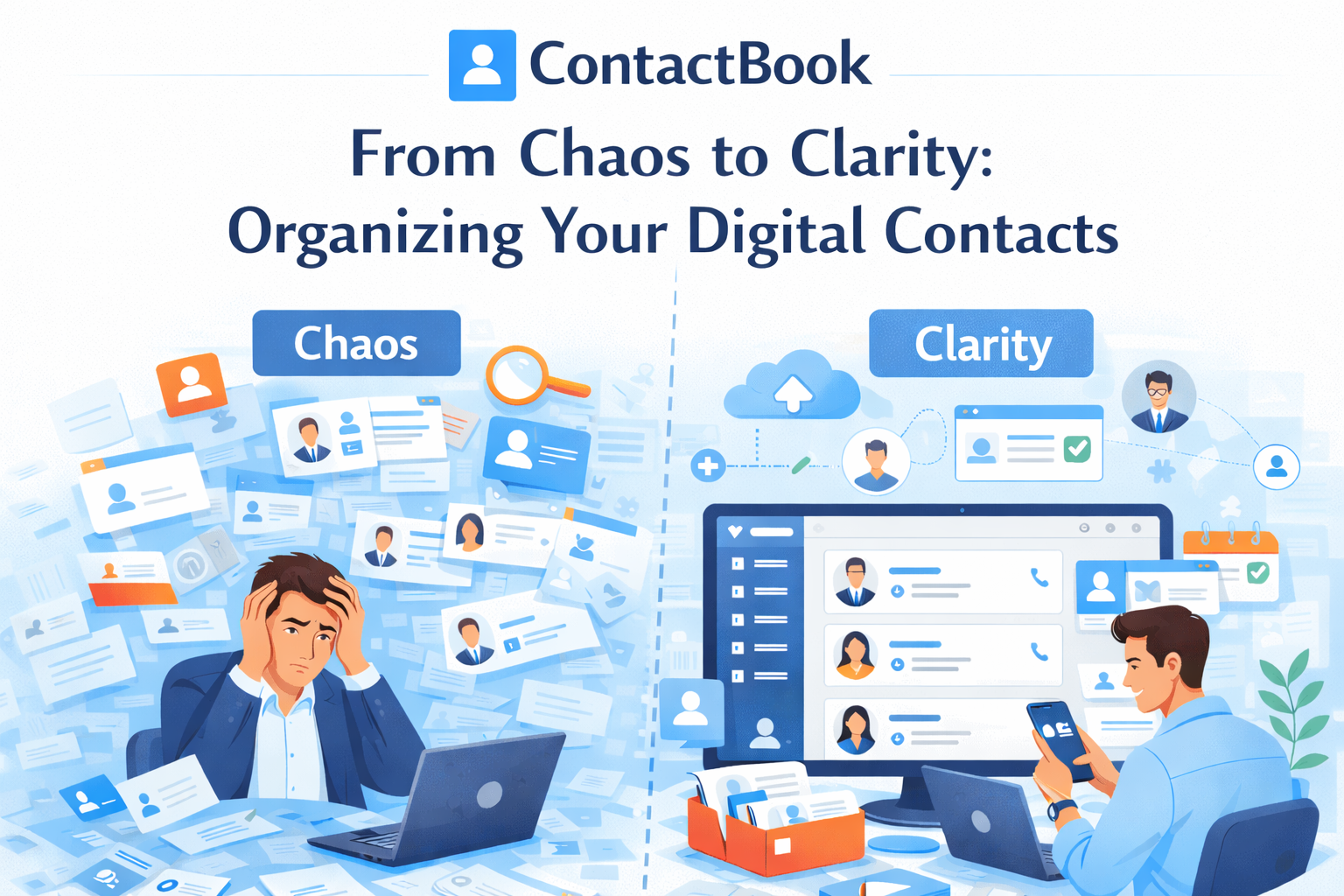
Before: You have 1,400 contacts spread across your phone, Gmail, and a spreadsheet your colleague built in 2021. Finding someone takes five minutes. Half the emails bounce. Three people on your team have different numbers for the same client. A warm lead slips away because nobody remembered to follow up.
After: Every contact lives in one place. Your database is clean, tagged, and searchable. Notes tell you the story of every relationship. Reminders tell you who to reach out to this week. Your team works from the same up-to-date records. And the next time a client calls, you know exactly who they are and what you last discussed before you even pick up.
This transformation is available to anyone. It does not require technical skills or a big budget. It requires a clear process, the right contact management app, and the discipline to maintain the system over time.
The chaos is optional. The clarity is a choice. Make it today.
Ready to organize your digital contacts once and for all? Try ContactBook free today and go from chaos to clarity in one afternoon.

.png)


.svg)


.svg)



