
How CRM Contact Data Entry Automation Eliminates Manual Updates

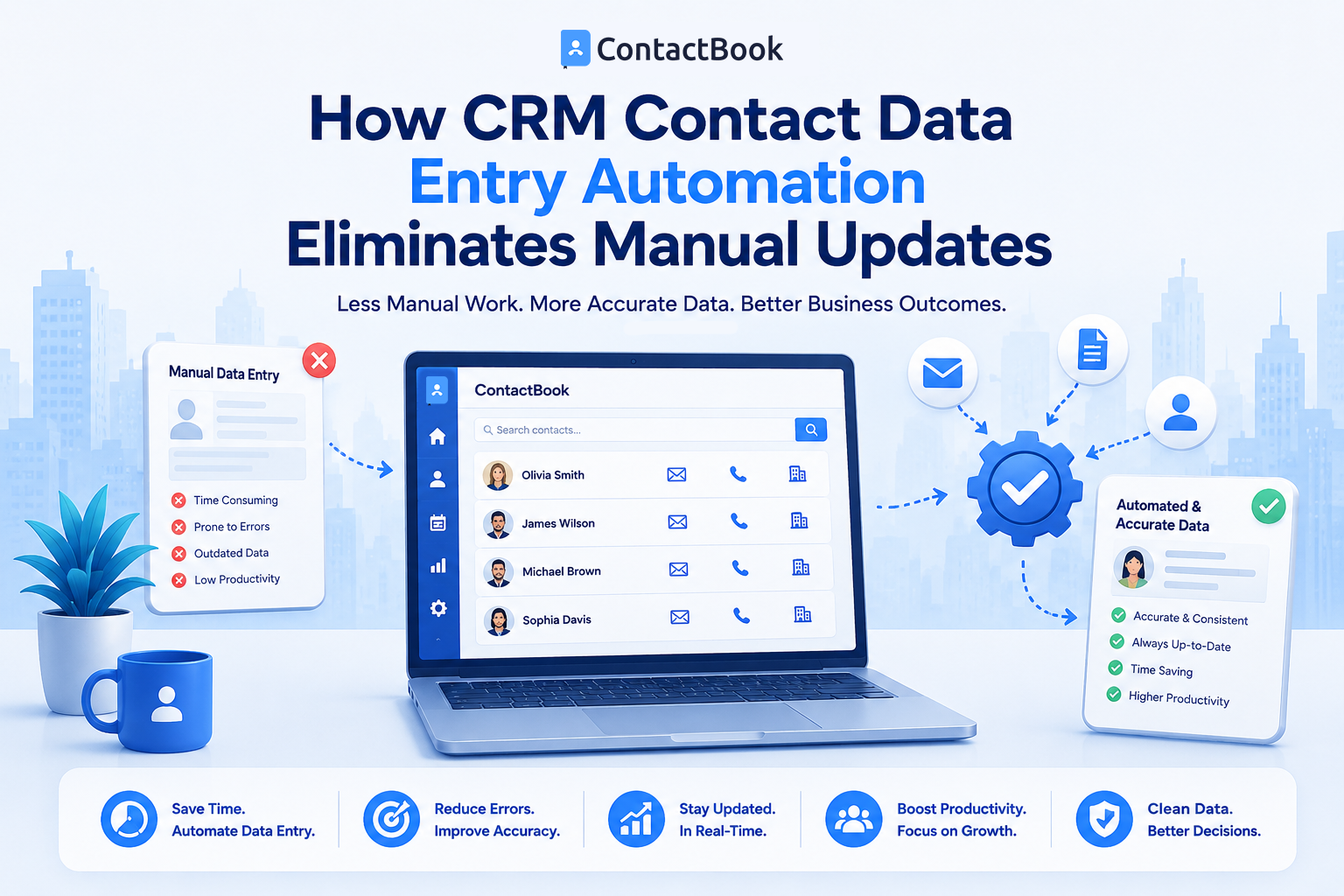
Keeping customer contact information accurate is essential for every business. Whether you're managing leads, clients, vendors, or business partners, outdated or incomplete contact records can lead to missed opportunities and poor customer experiences. However, manually entering and updating contact information is time-consuming and often results in errors.
This is where CRM contact data entry automation makes a significant difference. By automating repetitive data entry tasks, businesses can save time, improve accuracy, and allow teams to focus on building meaningful customer relationships instead of updating spreadsheets or databases.
In this article, we'll explore how CRM contact data entry automation works, its benefits, and why combining automation with a dedicated contact management solution like ContactBook helps businesses manage contacts more efficiently.
What Is CRM Contact Data Entry Automation?
CRM contact data entry automation refers to the use of software to automatically capture, update, organize, and synchronize contact information without requiring employees to enter every detail manually.
Instead of typing names, phone numbers, email addresses, company details, and notes into a CRM one field at a time, automation collects this information from connected sources and updates contact records whenever changes occur.
How Contact Data Entry Automation Works
Modern CRM and contact management systems use automation to gather information from multiple business tools. They can import contacts from spreadsheets, synchronize with email platforms, connect with calendars, or integrate with other business applications.
When new information becomes available, the system updates the contact record automatically. This reduces repetitive work while ensuring customer information stays current across the organization.
Why Manual Data Entry Creates Problems
Manual updates may seem manageable when your contact list is small. As your business grows, however, maintaining thousands of records becomes difficult.
Employees can accidentally create duplicate contacts, miss important updates, or enter incorrect information. Over time, these mistakes reduce data quality and make it harder for teams to trust the CRM.
The Biggest Benefits of CRM Contact Data Entry Automation
Automating contact management improves both operational efficiency and customer relationship management. Businesses spend less time maintaining records and more time engaging with customers.
Saves Valuable Time
One of the biggest advantages of automation is the time it saves. Employees no longer need to manually update every phone number, email address, or company detail.
Instead, automation handles repetitive administrative work while teams focus on sales, customer support, and business growth.
Reduces Human Errors
Manual data entry often leads to typing mistakes, missing information, and inconsistent formatting. Even small errors can cause communication problems or duplicate records.
Automation follows predefined rules, helping businesses maintain cleaner and more accurate contact databases.
Keeps Contact Information Updated
Customer information changes regularly. People switch jobs, update phone numbers, or change email addresses.
Automated systems help synchronize contact information whenever updates are available, reducing the risk of outdated records.
Improves Team Productivity
Sales, marketing, and customer support teams all rely on accurate customer information.
When employees no longer spend hours updating records, they can dedicate more time to building relationships, following up with leads, and delivering better customer service.
How Contact Management Software Supports Automation
Automation works best when it is built into a dedicated contact management platform rather than relying on disconnected tools.
A centralized contact management solution ensures every team member works with the same accurate information.
Centralized Contact Database
Instead of storing contacts across multiple spreadsheets, mobile devices, and applications, businesses maintain one trusted source of information.
This makes collaboration easier and prevents employees from working with outdated contact records.
Automatic Contact Synchronization
Many modern contact management platforms synchronize contact information across connected devices and business tools.
When a contact is updated in one place, the latest information becomes available wherever authorized team members access it.
Better Organization
Automation does more than update names and phone numbers. It can also assign tags, organize contacts into groups, populate custom fields, and categorize records based on business rules.
This makes searching and managing large contact databases much easier.
Business Benefits Beyond Data Entry
CRM contact data entry automation provides value beyond simply reducing administrative work.
It helps businesses improve customer experiences, strengthen collaboration, and make better decisions.
Faster Customer Response
When employees have immediate access to accurate contact information, they can respond to customers more quickly.
Whether answering a support request or following up on a sales opportunity, updated records reduce delays and improve communication.
Better Decision Making
Accurate contact data supports better reporting and business planning.
Managers can trust customer information when evaluating sales performance, customer engagement, or marketing campaigns because the data remains consistent and up to date.
Stronger Team Collaboration
Shared contact information ensures everyone works from the same database.
Sales representatives, customer support teams, and managers can access consistent records without maintaining separate versions of the same contact.
Why ContactBook Makes Contact Automation Easier
While traditional CRM systems often focus on sales pipelines, many businesses primarily need a reliable way to organize and maintain contact information.
ContactBook provides a centralized contact management solution that helps businesses store, organize, and manage contacts efficiently. Combined with automated imports, synchronization, and shared contact management, teams spend less time maintaining records and more time building lasting customer relationships.
Instead of relying on scattered spreadsheets or manually updating every contact, businesses can keep their contact database organized, accessible, and ready for everyday collaboration.
Common Mistakes
Many businesses assume importing contacts once is enough. In reality, customer information changes frequently, and failing to keep records updated results in outdated databases over time.
Another common mistake is allowing different teams to maintain separate contact lists. This often creates duplicate records and inconsistent information that reduces productivity.
Businesses also underestimate the importance of data quality. Automation improves efficiency, but it works best when organizations establish clear rules for organizing contacts, removing duplicates, and maintaining accurate information.
Frequently Asked Questions
What is CRM contact data entry automation?
CRM contact data entry automation is the process of automatically capturing, updating, and organizing contact information within a CRM or contact management system. It reduces manual work and improves data accuracy.
Does contact data automation eliminate manual updates completely?
Automation significantly reduces manual updates, but occasional human review is still important. Employees may need to verify unique customer information, resolve duplicates, or update custom notes that automation cannot accurately determine.
Is CRM contact automation useful for small businesses?
Yes. Small businesses often benefit even more because automation saves valuable time, reduces administrative work, and helps maintain professional customer records without requiring additional staff.
Final Thoughts
Manual contact updates may work for small teams in the beginning, but they quickly become inefficient as businesses grow. Repetitive data entry consumes valuable time, introduces errors, and makes collaboration more difficult.
CRM contact data entry automation solves these challenges by keeping customer information accurate, organized, and synchronized across teams. Employees spend less time updating records and more time serving customers, building relationships, and growing the business.
By combining automation with a dedicated contact management platform like ContactBook, businesses create a reliable foundation for customer communication. Clean, organized, and automatically updated contact data not only improves daily operations but also supports stronger collaboration, better decision-making, and long-term business success.

.png)


.svg)


.svg)



