
How to Remove Duplicate Contacts in ContactBook

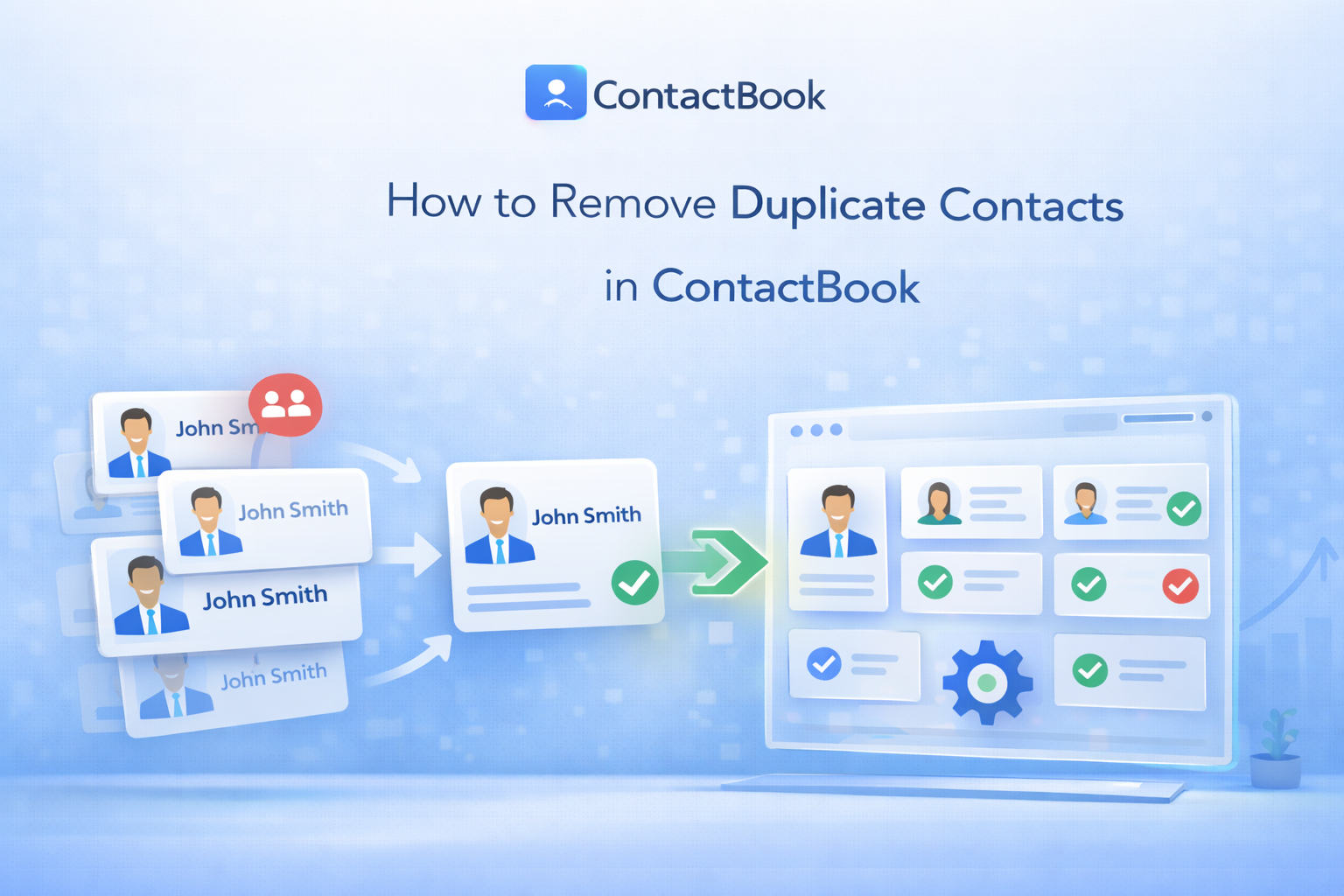
Duplicate contacts can clutter your database, create confusion, and slow down your workflow. Whether you're syncing from multiple sources or importing contact lists, duplicates are common — but they’re also easy to fix.
In this guide, we’ll explain why duplicate contacts appear, how to remove them in ContactBook, and how to prevent them from coming back.
If you’re searching for “how to remove duplicate contacts in ContactBook” or “merge duplicate contacts easily,” this complete guide has you covered.
Why Duplicate Contacts Appear in ContactBook
Duplicate contacts usually happen due to one of the following reasons:
1. Multiple Contact Imports
Importing CSV files more than once can create repeated entries.
2. Syncing From Multiple Sources
If you sync contacts from Google, Outlook, or other platforms, overlapping records may be created.
3. Slight Data Differences
For example:
- Same name, different phone number
- Same email, different formatting
- Nickname vs full name
Even small variations can result in duplicate entries.
4. Manual Entry Errors
Adding contacts manually without checking existing records can create duplicates.
The Risks of Keeping Duplicate Contacts in Your Database
Duplicate contacts may seem harmless, but they can cause serious issues over time.
🚫 Confusion During Communication
You may contact the same person twice or use outdated information.
📊 Inaccurate Reporting
Duplicate data affects analytics, contact counts, and segmentation.
🗂 Cluttered Database
It becomes harder to search, filter, and manage contacts efficiently.
📤 Email or Outreach Errors
You might accidentally send multiple emails to the same person.
Keeping your contact database clean improves productivity and professionalism.
How to Identify Duplicate Contacts Quickly
Before removing duplicates, you need to identify them.
In ContactBook, duplicates are typically detected based on:
- Matching email addresses
- Matching phone numbers
- Similar names with identical contact details
You can quickly identify duplicates by:
- Using the search bar to check repeated names
- Sorting contacts by email
- Filtering contacts with similar phone numbers
ContactBook’s built-in duplicate detection helps you locate repeated records efficiently.
Step-by-Step Guide to Removing Duplicate Contacts in ContactBook
Follow these steps to remove duplicate contacts:
Step 1: Log In
Sign in to your ContactBook account.
Step 2: Go to Contacts
Navigate to your main contact list dashboard.
Step 3: Use Duplicate Detection
Open the duplicate management or review section (if available).
Step 4: Review Suggested Matches
ContactBook will show potential duplicate entries.
Step 5: Select Contacts to Merge or Delete
You can:
- Merge duplicates into one clean record
- Delete unwanted duplicate entries
Step 6: Confirm Changes
Review carefully and confirm the action.
Your database will now be cleaner and more organized.
How to Merge Contacts Without Losing Important Information
Merging is better than deleting when both contacts contain useful information.
Here’s how to merge properly:
- Select duplicate contacts
- Choose the “Merge” option
- Review both records side by side
- Select which data fields to keep
- Confirm merge
When merging, ensure you:
- Keep the most updated email
- Combine phone numbers if different
- Preserve notes and tags
- Retain important custom fields
This way, no valuable data is lost.
Best Practices to Prevent Duplicate Contacts in the Future
Prevention is always better than cleanup. Follow these best practices:
✔ Avoid Importing the Same CSV Twice
Always check before re-uploading contact lists.
✔ Standardize Contact Formatting
Use consistent:
- Email formats
- Phone number formats
- Name structure
✔ Enable Proper Sync Settings
When syncing with external platforms, review duplicate handling settings.
✔ Search Before Adding New Contacts
Quickly search the database before manually adding a new contact.
✔ Clean Your Database Regularly
Perform monthly duplicate checks to keep your system organized.
Why a Clean Contact Database Matters
Removing duplicate contacts helps you:
- Improve data accuracy
- Enhance communication efficiency
- Maintain professional outreach
- Generate reliable reports
- Save time
A clean contact management system ensures smooth business operations.
Final Thoughts
Duplicate contacts are common — but they don’t have to stay that way.
With proper detection, merging, and prevention strategies, you can maintain a clean and organized contact database in ContactBook.
Take a few minutes today to review and remove duplicate contacts. Your future self (and your team) will thank you. 🚀

.png)


.svg)


.svg)



