
How to Sync Contacts Across All Your Devices and Apps

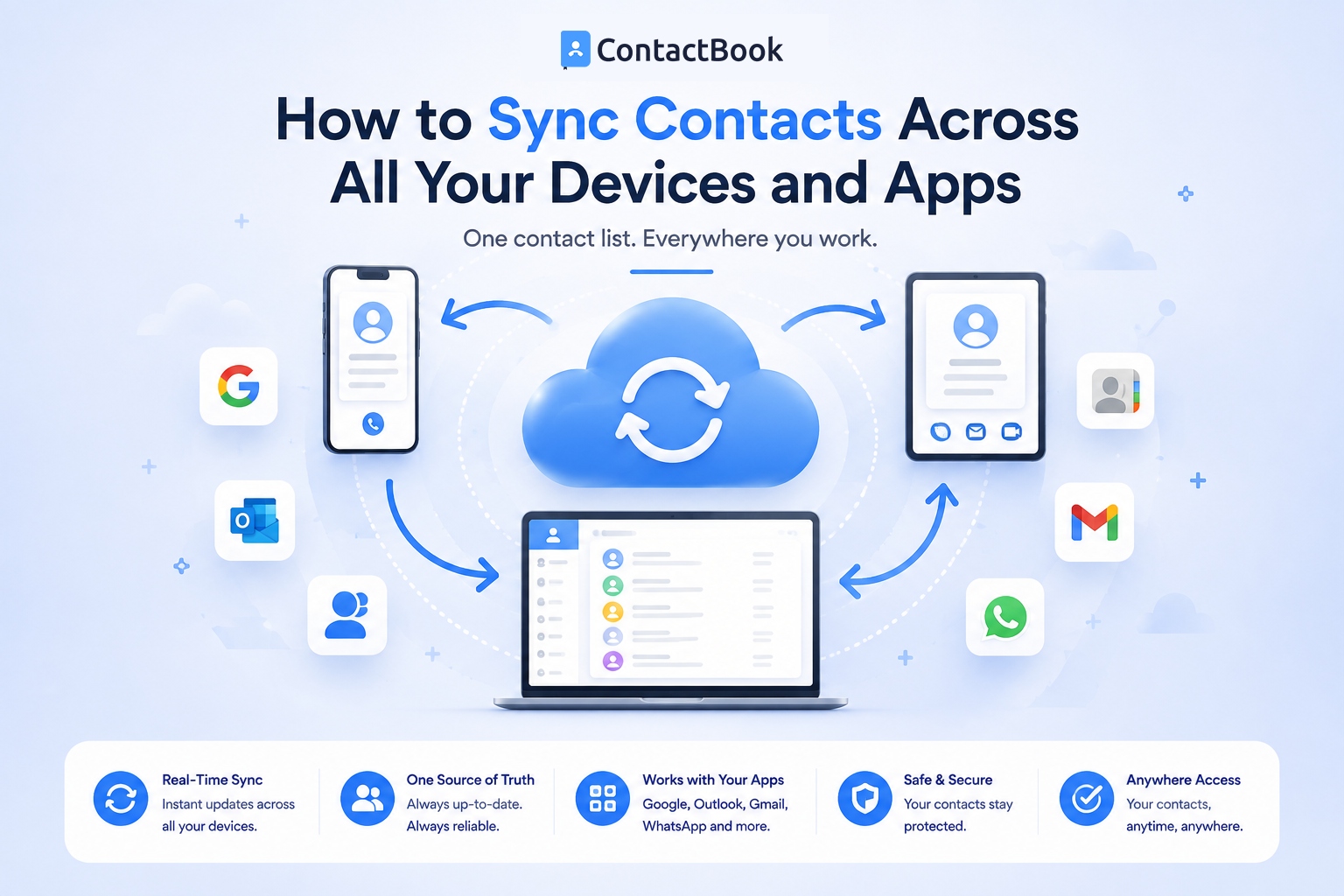
Your business contacts shouldn't be tied to a single device. Whether you're working from a laptop, answering calls on your phone, or checking emails from a tablet, you should always have access to the latest contact information. Unfortunately, many businesses still struggle with contacts that are scattered across multiple devices, apps, and accounts.
One employee updates a phone number on their smartphone, another saves the same customer in Gmail, while someone else keeps a separate spreadsheet with outdated information. Before long, nobody knows which version is correct.
The solution is to create a centralized contact management process and ensure your contacts stay synchronized across the tools your team uses every day. In this guide, you'll learn how contact syncing works, the most common syncing challenges, and the best way to keep business contacts consistent across all your devices and apps.
What Does Contact Sync Mean?
Contact syncing is the process of keeping contact information consistent across multiple devices, applications, and user accounts.
When contact syncing works properly, updates made to a contact are reflected wherever that contact is accessed. This helps ensure employees always work with the most current information instead of outdated copies.
Why Contact Sync Matters
Businesses rely on accurate contact information for sales, customer support, vendor management, recruiting, and internal communication.
If different devices contain different versions of the same contact, employees may call outdated numbers, send emails to incorrect addresses, or miss important conversations.
Common Places Contacts Are Stored
Business contacts are often spread across multiple locations, including:
- Smartphones
- Gmail or Google Contacts
- Microsoft Outlook
- Apple Contacts
- CRM platforms
- Spreadsheets
- Team collaboration tools
Without a clear syncing strategy, these separate contact lists can quickly become inconsistent.
Common Problems with Contact Sync
Many businesses experience contact synchronization issues because contacts are stored in too many places.
Duplicate Contacts
The same customer may exist in Gmail, Outlook, a mobile phone, and a spreadsheet.
Without proper synchronization, multiple versions of the same contact continue to grow over time.
Outdated Information
Employees frequently update contact details on one device but forget to update them elsewhere.
As a result, different team members may unknowingly use outdated phone numbers or email addresses.
Personal and Business Contacts Get Mixed Together
Many professionals save both personal and work contacts on the same devices.
This makes it harder to organize business relationships and increases the chance of important company contacts becoming difficult to manage.
Best Practices for Syncing Contacts
Keeping contacts synchronized requires more than enabling sync settings. Businesses also need a consistent contact management strategy.
Use One Primary Contact Database
Choose one trusted location to serve as your main contact database.
Instead of editing contacts across multiple platforms, maintain one authoritative source and synchronize from there whenever possible.
Keep Contact Information Updated
Whenever phone numbers, email addresses, or job titles change, update them promptly.
Regular maintenance helps ensure synchronized devices continue displaying accurate information.
Separate Personal and Business Contacts
Keeping work contacts separate from personal contacts improves organization and reduces confusion.
A dedicated contact management solution makes this much easier than relying on personal address books.
Review Contact Data Regularly
Even with synchronization enabled, periodic reviews help identify duplicate contacts, outdated records, and missing information before they create problems.
Contact Sync vs. Contact Sharing
Although they sound similar, contact syncing and contact sharing serve different purposes.
Contact Sync
Contact syncing ensures the same contact information is available across multiple devices or applications.
Its primary goal is consistency.
Contact Sharing
Contact sharing allows multiple employees to access the same business contacts.
Its primary goal is collaboration.
Many growing businesses need both synchronized contacts across devices and shared contact management across teams.
How ContactBook Helps Centralize Contact Management
ContactBook helps businesses maintain one centralized contact database that teams can organize and access from anywhere. Instead of relying on separate spreadsheets, personal address books, or disconnected contact lists, businesses can keep customer, vendor, partner, and employee information in one organized platform.
By centralizing contact information, ContactBook helps reduce duplicate records, improve collaboration, and simplify contact management across teams. When combined with the synchronization capabilities of your preferred devices and business applications, it becomes much easier to keep contact information accurate and consistent throughout your organization.
Common Mistakes
One common mistake is allowing multiple employees to edit separate copies of the same contact list. This often results in conflicting information and duplicate records.
Another mistake is assuming automatic synchronization fixes poor data quality. Syncing outdated or duplicate contacts simply spreads inaccurate information across more devices.
Businesses should also avoid using spreadsheets as their primary contact database. As organizations grow, spreadsheets become increasingly difficult to synchronize and maintain consistently.
Frequently Asked Questions
What does syncing contacts mean?
Syncing contacts means keeping contact information consistent across multiple devices, applications, or accounts so users always have access to the latest version of each contact.
Why are my contacts different on different devices?
This usually happens because contacts are stored in multiple accounts or applications that are not fully synchronized, or because updates were made in one location but not another.
What is the best way to keep business contacts synchronized?
The most effective approach is to maintain one centralized contact database, regularly update information, remove duplicate records, and use synchronization features provided by your devices and business applications where appropriate.
Final Thoughts
Accurate contact information is essential for every business, but managing contacts across multiple devices and applications can quickly become complicated without a clear strategy. Duplicate records, outdated information, and disconnected contact lists slow teams down and create unnecessary confusion.
The best solution is to centralize your business contacts, establish consistent processes for updating information, and use synchronization features to keep your devices aligned. This approach improves productivity, supports better collaboration, and ensures employees always have access to reliable contact information.
ContactBook helps businesses achieve this by providing a centralized platform for organizing and managing shared business contacts. Combined with the sync capabilities of your preferred devices and apps, it creates a more efficient and reliable contact management workflow that grows with your business.

.png)


.svg)


.svg)



