
How to Tag and Categorize Contacts So Your Team Can Actually Find Them

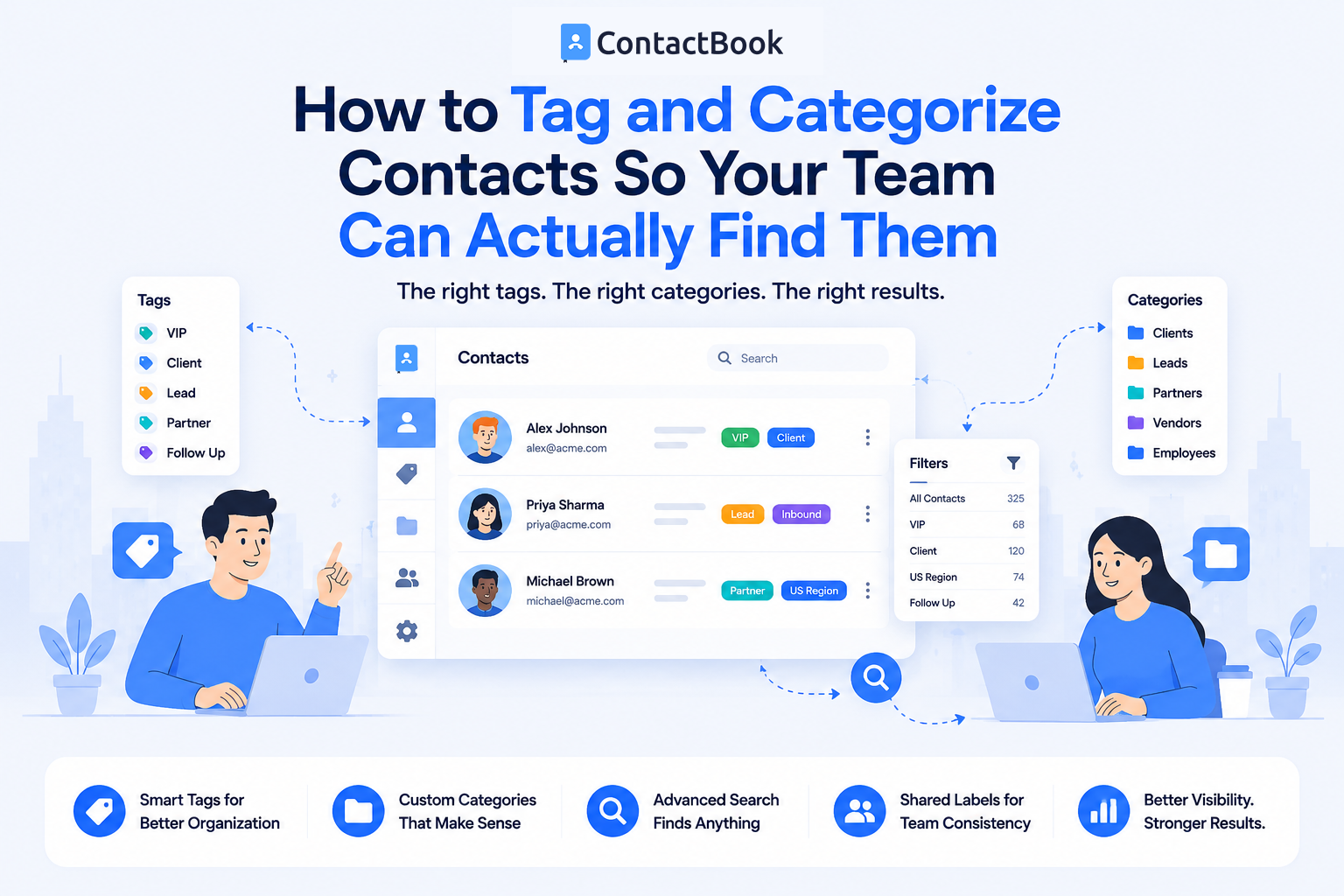
A contact database is only valuable if your team can quickly find the information they need. As businesses grow, contact lists often become crowded with customers, vendors, partners, prospects, employees, and suppliers. Without a clear system for organizing these contacts, employees waste time searching, duplicate records become common, and important opportunities can be missed.
This is where contact tags and categories make a difference. By organizing contacts into meaningful groups, your team can locate the right person in seconds instead of scrolling through long contact lists.
In this guide, you'll learn what contact tags and categories are, why they matter, best practices for using them, and how a centralized contact management solution like ContactBook makes organizing contacts simple.
What Are Contact Tags and Categories?
Contact tags and categories are organizational tools that make it easier to sort, search, and manage business contacts.
A category is a broad classification that groups similar contacts together, while a tag adds more specific information about a contact. Using both together creates a flexible system that helps teams quickly locate the right people.
Categories Organize Major Groups
Categories divide contacts into broad business groups.
For example, you might create categories for customers, prospects, vendors, partners, employees, recruiters, healthcare providers, or suppliers. These categories provide a structured way to organize your contact database.
Tags Add More Detail
Tags allow you to describe contacts in greater detail.
For example, a customer could be tagged as VIP, Enterprise, North Region, Renewal Due, or Referral Partner. Since one contact can have multiple tags, they make filtering and searching much more powerful.
Why Organizing Contacts Matters
Without a consistent organization system, contact databases quickly become difficult to manage.
Employees may struggle to locate the right contact, resulting in slower communication and reduced productivity.
Faster Search
Well-organized contacts are easier to find.
Instead of searching through hundreds of names, employees can filter contacts using categories and tags to locate exactly who they need.
Better Team Collaboration
When everyone follows the same tagging structure, teams use consistent terminology.
This reduces confusion and helps departments collaborate more effectively using one shared contact database.
Improved Customer Service
Quick access to the right contact information helps employees respond faster to customer requests.
Better organization also reduces the risk of contacting the wrong person or using outdated information.
Best Practices for Tagging and Categorizing Contacts
Creating an organization system is only the first step. Maintaining consistency is what makes it successful over time.
Use Clear Categories
Start with broad groups that make sense for your business.
Examples include Customers, Leads, Vendors, Partners, Employees, Contractors, and Suppliers. Avoid creating too many categories, as this can make the system harder to navigate.
Keep Tags Consistent
Create standardized tags that everyone understands.
For example, use High Priority instead of allowing employees to create similar tags such as Important, Urgent, or Priority Client. Consistency improves search accuracy and reduces duplicate labels.
Avoid Over-Tagging
Adding dozens of tags to every contact makes the database harder to manage.
Only apply tags that provide useful business information and support everyday workflows.
Review Tags Regularly
Business needs change over time.
Review your categories and tags periodically to remove outdated labels, merge duplicates, and ensure the system still reflects how your team works.
Examples of Contact Categories and Tags
The best organizational system depends on your industry, but these examples work for many businesses.
Using a combination of categories and tags gives teams a flexible way to organize and search contacts without creating unnecessary complexity.
How ContactBook Makes Contact Organization Easier
ContactBook is built to help businesses organize shared contacts efficiently. Teams can create custom categories, assign multiple tags to contacts, and organize business relationships in a way that matches their workflow.
Instead of searching through spreadsheets or disconnected address books, employees can quickly filter contacts based on categories, tags, departments, or other custom fields. Since everyone works from the same centralized contact database, information stays organized and consistent across the organization.
This helps businesses improve collaboration, reduce duplicate records, and save time when searching for important contacts.
Common Mistakes
One common mistake is creating too many categories. When every department builds its own structure, employees struggle to know where contacts belong.
Another mistake is allowing anyone to create new tags without guidelines. Over time, similar tags such as "Customer," "Client," and "Current Customer" can make searches inconsistent.
Businesses should also avoid treating contact organization as a one-time task. Regular reviews keep the database clean and ensure categories remain useful as the company grows.
Frequently Asked Questions
What is the difference between contact tags and categories?
Categories are broad groups used to organize contacts, while tags provide additional details that help filter and search contacts more precisely. A contact can belong to one category and have multiple tags.
Why should businesses tag contacts?
Tags make it easier to organize large contact databases, improve search results, support team collaboration, and help employees quickly find the right contact for a specific task.
How many tags should a contact have?
There is no fixed number, but businesses should only use tags that add meaningful information. Too many tags can make contact management more complicated instead of more efficient.
Final Thoughts
As your contact database grows, finding the right person quickly becomes just as important as collecting contact information. A well-planned system of categories and tags helps teams stay organized, improves collaboration, and reduces time spent searching through long contact lists.
The key is consistency. Clear categories, standardized tags, and regular maintenance create a contact database that remains useful as your business expands.
For businesses that want to simplify contact organization, ContactBook provides an easy-to-use platform for creating custom categories, applying meaningful tags, and managing shared business contacts from one centralized location. With a structured approach to contact management, your team can spend less time searching and more time building stronger business relationships.

.png)


.svg)


.svg)



