
What Happens to Your Business Contacts When You Close Your Gmail Account?

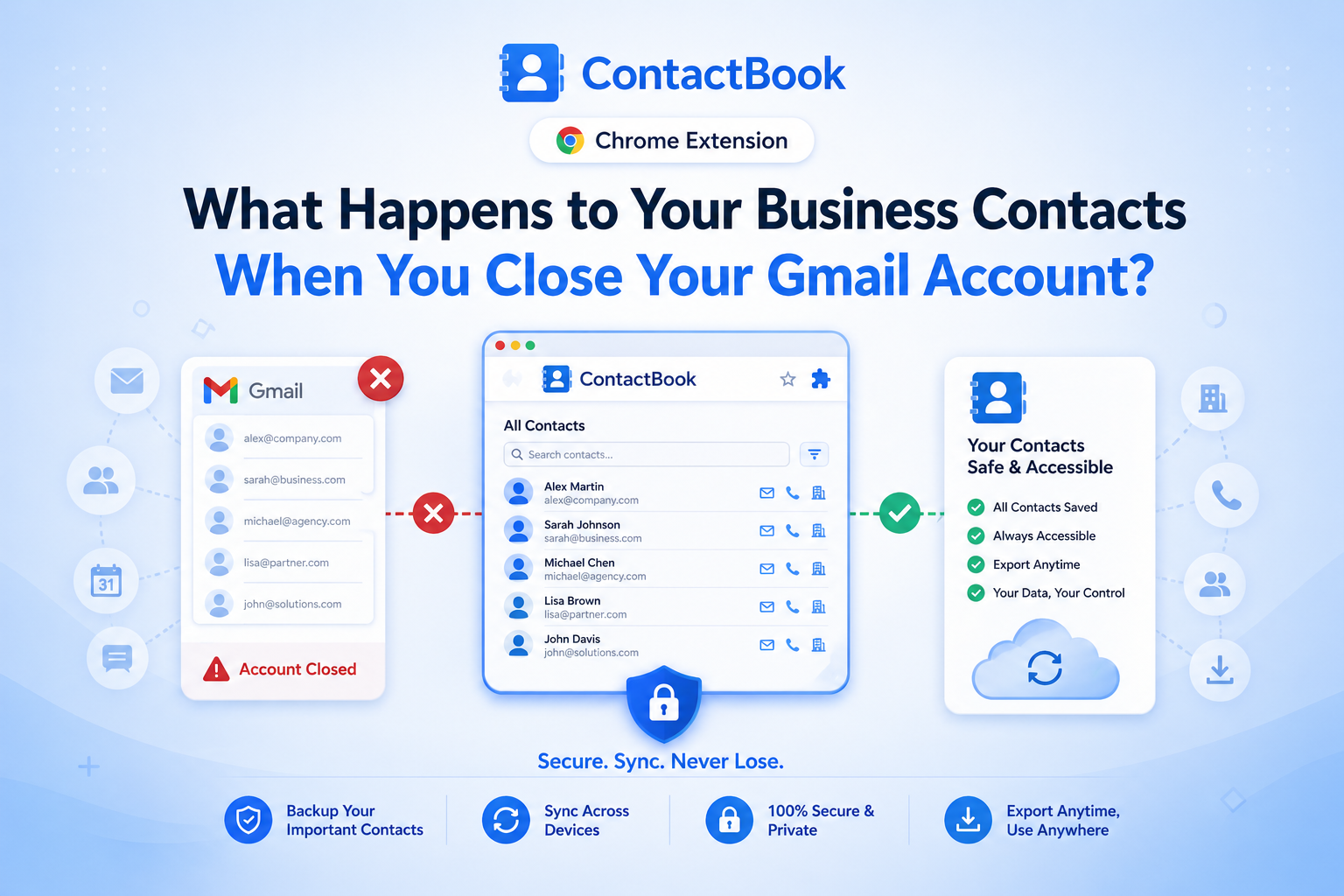
Most professionals assume their contacts are theirs.
But in reality, if your contacts live inside your email account especially something like Gmail, they're tied to that platform.
So what happens if you:
- Close your Gmail account
- Lose access due to security issues
- Change companies or email domains
Your contacts don’t just “move with you.”
They can disappear, become inaccessible, or lose all context.
That means your network built over years is suddenly at risk.
Why Most Professionals Don’t Truly Own Their Network
Here’s the uncomfortable truth:
👉 If your contacts are stored inside a single platform, you don’t fully own them.
Most people rely on:
- Gmail contacts
- Phone contact lists
- Scattered spreadsheets
- CRM tools tied to company accounts
The problem?
These systems are not designed for long-term ownership and portability.
So when access changes, your data becomes fragmented or lost.
Data Loss Scenarios You’re Not Prepared For
Let’s look at real situations where contacts are lost:
1. You Leave a Company
Your work Gmail gets deactivated and your entire contact history goes with it.
2. Account Access Issues
A hacked or locked account can cut off access instantly.
3. Accidental Deletion
Contacts deleted or overwritten without proper backup.
4. Migration Failures
Switching email providers without properly exporting contacts leads to incomplete data.
In all these cases, the impact is the same:
You lose access to valuable relationships.
Why Contacts Without Context Are Almost Useless
Even if you manage to export your contacts, there’s another problem:
Most exports only include:
- Name
- Phone number
What’s missing?
- Notes
- Interaction history
- Tags and categories
- Relationship context
Without this, your contact list becomes just a directory not a usable network.
How to Secure and Back Up Your Contacts Properly
If you want to truly own your contacts, you need a system not just storage.
Here’s how to do it right:
1. Separate Contacts From Email Platforms
Don’t rely solely on Gmail or any single provider.
2. Use a Dedicated Contact Management System
Tools like ContactBook allow you to store, organize, and access contacts independently.
3. Maintain Regular Backups
Ensure your data is exportable and not locked into one system.
4. Store Context, Not Just Data
Add notes, tags, and relationship details to make contacts meaningful.
5. Enable Cross-Device Access
Your contacts should be available anytime, anywhere without dependency on one account.
Building a Platform-Independent Contact System
The goal is simple:
👉 Your contacts should belong to you, not to a platform.
With ContactBook, you can:
- Centralize contacts outside of Gmail
- Organize them with tags and notes
- Access them across devices and teams
- Keep data structured and secure
- Ensure long-term ownership of your network
This creates a platform-independent system so even if your email changes, your contacts don’t.
Final Thoughts: Don’t Let Your Network Disappear Overnight
Closing your Gmail account shouldn’t mean losing your network.
But for many professionals, that’s exactly what happens.
Your contacts are one of your most valuable assets built over years of effort, conversations, and trust.
Don’t leave them tied to a single platform.
Take control, build a system, and ensure your relationships stay with you no matter what changes.

.png)


.svg)


.svg)



